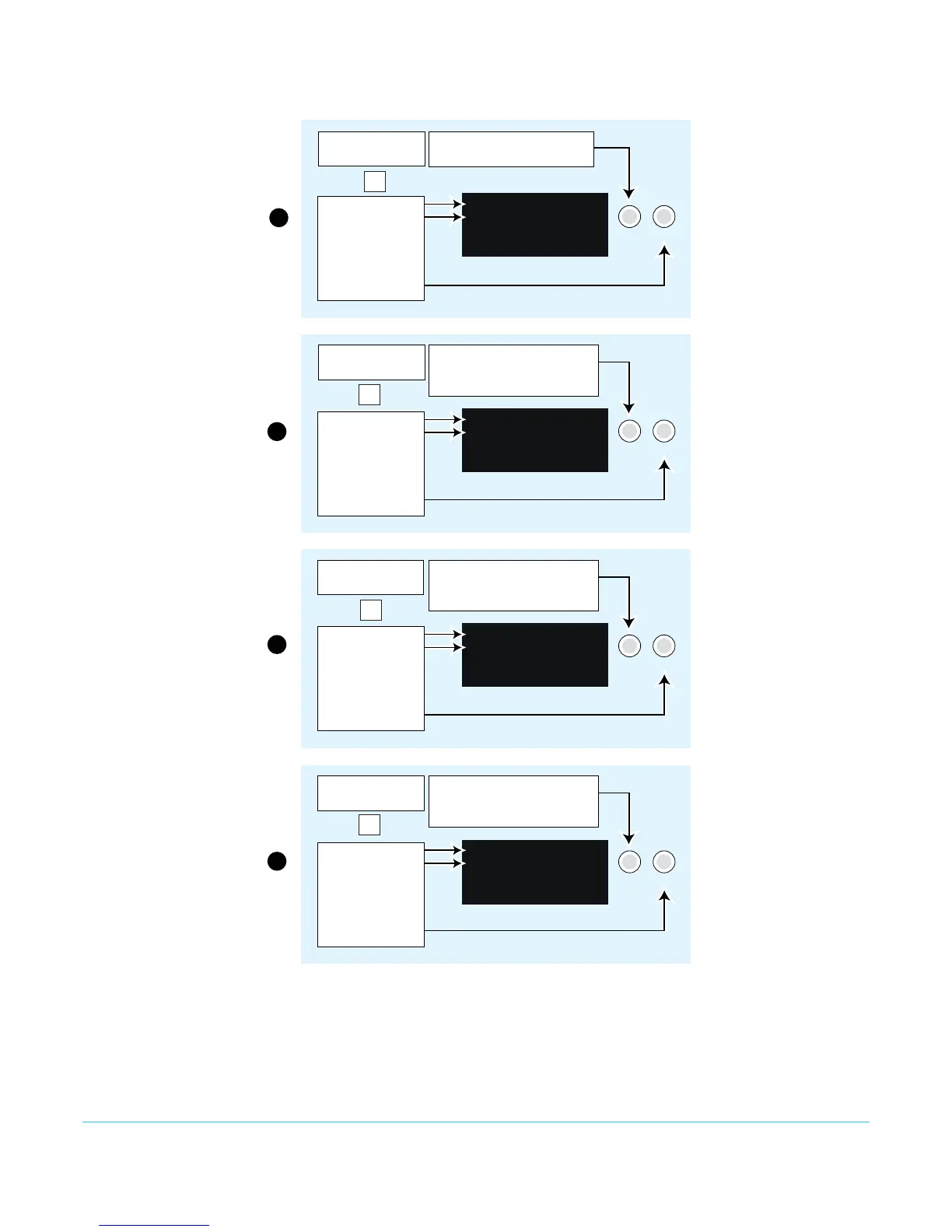
Figure 7. Setting FS1-X Static IP Address
Turn the SELECT knob to scroll
to parameter menu 2.1 IP Config.
2.1 IP Config
STATIC Address
Select the CONFIG
Menu Group button
Parameter Menu
Current Setting
Change setting to
STATIC Address
by turning the
ADJUST knob.
Turn the SELECT knob to scroll
to parameter menu 2.2 IP Address.
Tu rn SELECT again as needed to
advance through the blinking octets.
2.2 IP Address
192.168.0.2
Parameter Menu
Current Setting
Push ADJUST to
edit octets.
Tu rn ADJUST
to change values.
Push ADJUST to save.
Tu rn SELECT to scroll to parameter
menu 2.3 Subnet Mask.
Tu rn SELECT again as needed to
advance through the blinking octets.
2.3 Subnet Mask
255.255.255.0
Parameter Menu
Current Setting
Push ADJUST to
edit octets.
Tu rn ADJUST
to change values.
Push ADJUST to save.
Tu rn SELECT to scroll to parameter
menu 2.4 Default Gateway.
Tu rn SELECT again as needed to
advance through the blinking octets.
2.4 Default Gateway
192.168.0.1
Parameter Menu
Current Setting
Push ADJUST to
edit octets.
Tu rn ADJUST
to change values.
Push ADJUST to save.
1
2
3
4
Select the CONFIG
Menu Group button
Select the CONFIG
Menu Group button
Select the CONFIG
Menu Group button
Config
Config
Config
SELECT ADJUST
SELECT ADJUST
SELECT ADJUST
SELECT ADJUST
Config



 To Next Page