FS1-X v1.1 www.aja.com
97
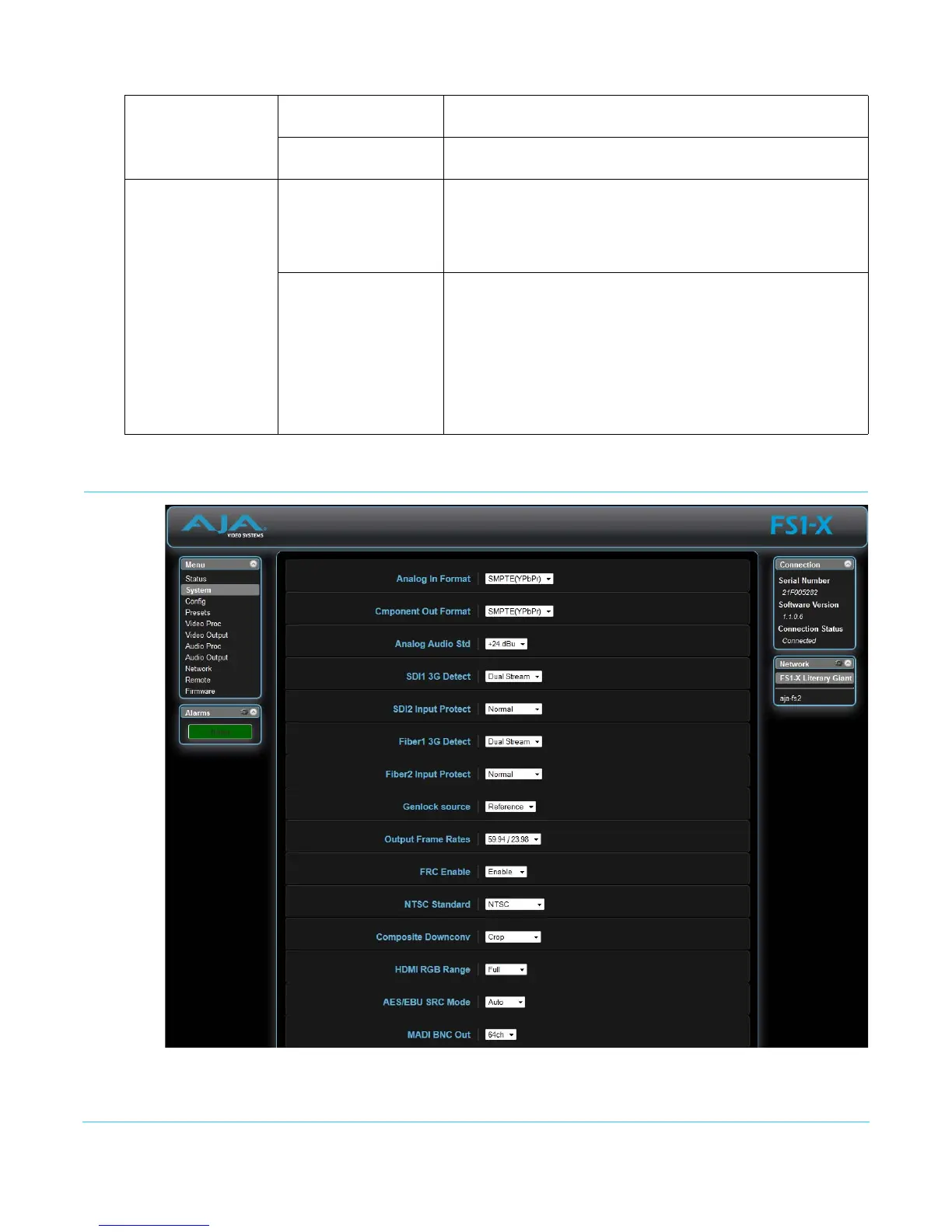
System Screen
The SYSTEM web interface screen includes parameters for setting up various FS1-X
system related features (video formats, audio level standards, etc.).
MADI
MADI Inputs Indicates the Mode (64 or 56 channels) and input signal Status of
the MADI BNC and Fiber ports.
MADI Outputs Indicates the Mode (64 or 56 channels) and output signal Status
of the MADI BNC and Fiber ports.
Audio Output
Global Audio Output Right-clicking on the Global Audio Out parameter lets you select
a global output. That same audio will be sent to all the FS1-X
audio outputs. When set to Off, the other Audio Outputs
display their selected value, otherwise only the Global Audio
Output setting is displayed.
SDI 1
SDI 2
Fiber 1
Fiber 2
HDMI
MADI
MADI Fiber
AES
Analog
Each of these settings, when visible, reports the audio that is
currently being routed to that audio output. Mute and Sig Gen
is reported when all of that port’s outputs have that setting.
Map is reported when the port’s outputs are mapped.



 To Next Page