EasyManua.ls Logo

Alcatel-Lucent 8242 - S Ending a Recorded Message to a Number or a Distribution List

Alcatel-Lucent 8242
85 pages
Print Icon
To Next Page IconTo Next Page
To Previous Page IconTo Previous Page
Loading...
8242 DECT Handset
8AL90311USADed01
28 /83
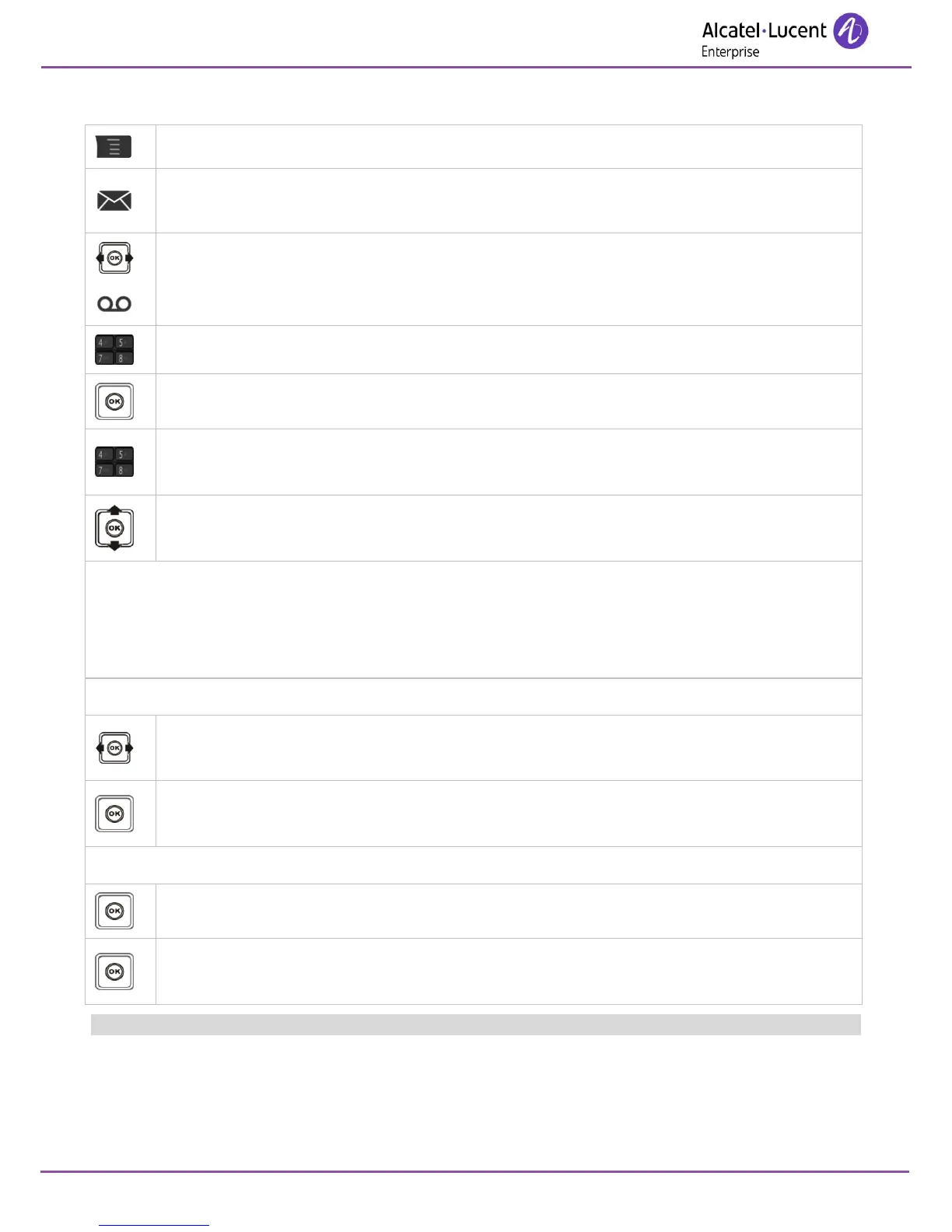
3.14 Sending a recorded message to a number or a distribution list
Access MENU.
Messages
Access the messaging portal.
Voicemail
Confirm.
Enter your password (if required) and apply.
Sendamsg
No. or name of the recipient or the list (000 - 050).
Apply.
Select the message to be sent.
Confirm.
Distribution lists:
000: the message is sent to all voice mailboxes.
001 to 050: the message is sent to a group of voice mailboxes.
To record the message:
Reccomment
Confirm.
Confirm.
Start recording.
Recording in progress.
Stop
Confirm.
Send message.
While the message is being recorded, you can select other functions with the navigate-up-down key.

Table of Contents

Other manuals for Alcatel-Lucent 8242

Related product manuals