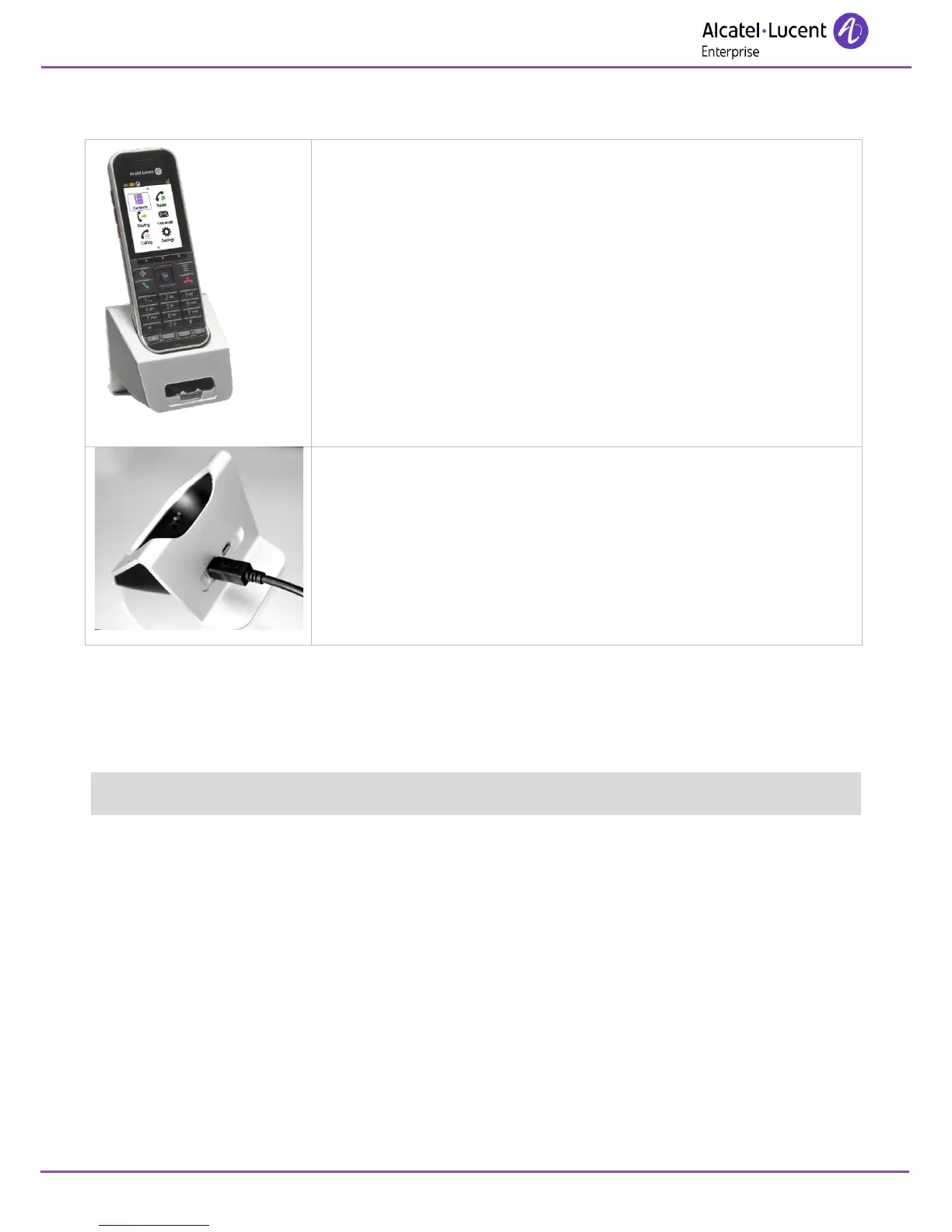
The Dual Desktop charger includes:
1.a stand to house your telephone and additional battery and a charge
indicator light for the additional battery.
2.a mains cable via an AC/DC adaptor.
Place the handset front forward into the Dual Charger upper slot. Place a
spare Battery Pack in the front slot, charging contacts down.
The handset battery charging time is less than 3 hours.
The spare battery charging time is less than 6 hours.
To remove the spare battery, push down on the front button.
The power supply USB plug allows you to charge both the handset and the
spare battery.
The Data USB plug allows you to charge the handset from any PC. In this
case, only the handset is charged, the spare battery is not charged.
Charging time depends on the power source where the cable USB is
plugged (computer, AC/DC adapter, …).
10.4 Characteristics of the mains power adapter
Input: 100/240 V - 50/60 Hz.
Output: 5V - 1A.
The mains power socket used must be close to the charger/holder and easily accessible, so that it can be
used as an 'on/off' facility.












 To Next Page