The initial language selection is made automatically by the system.
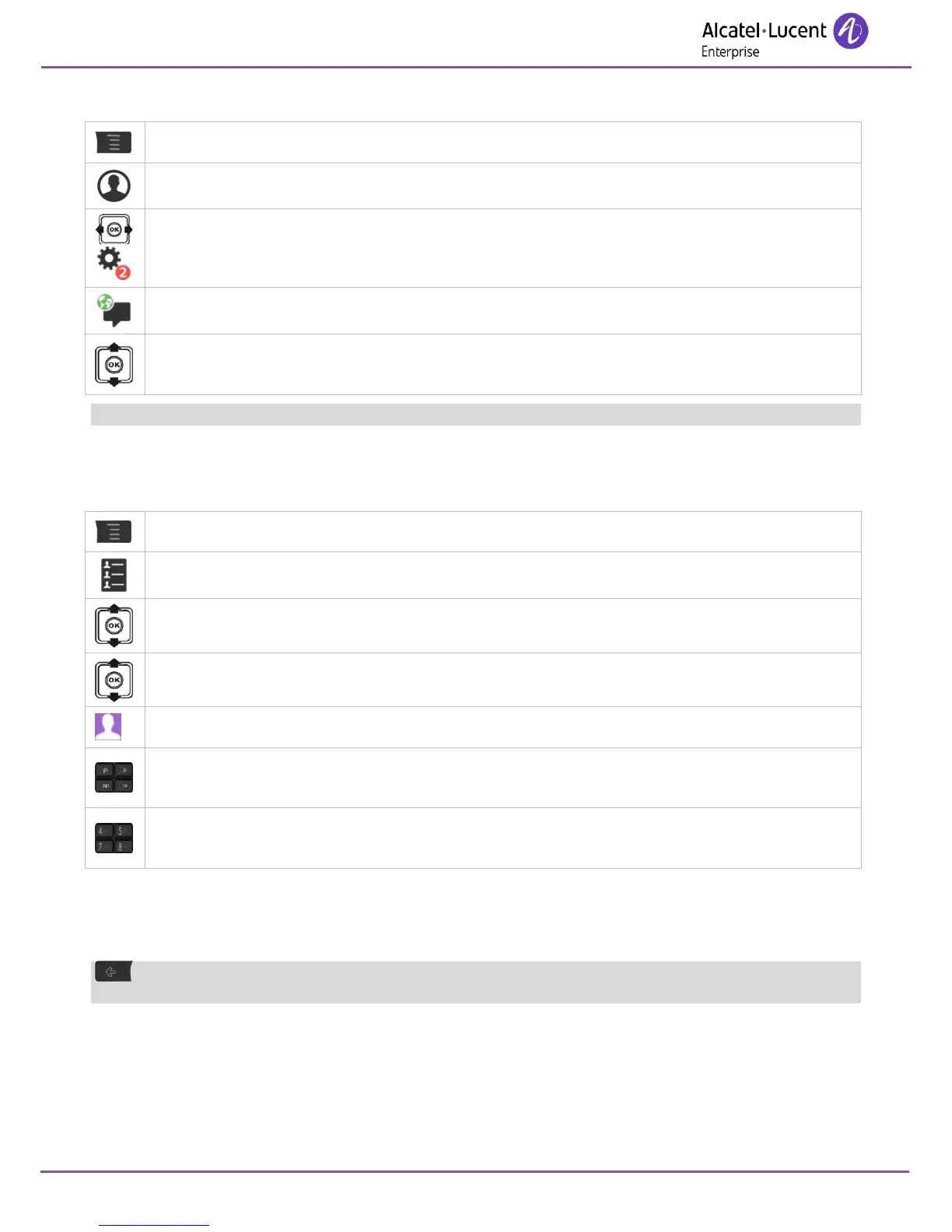
7.8 Programming your personal directory
Your personal directory can contain up to 10 numbers.
To key in the name: the keys in the keypad include letters that you can display by pressing them
successively.
Example: press '8' twice to display the letter 'U'.
Press the # key to switch from lowercase letters mode to uppercase letters mode, and from uppercase
letters mode to numbering mode.
To delete a character, briefly press the delete key. To erase a field full of characters, hold down the
erase key (long press).












 To Next Page