10 Accessories
10.1 Belt clip
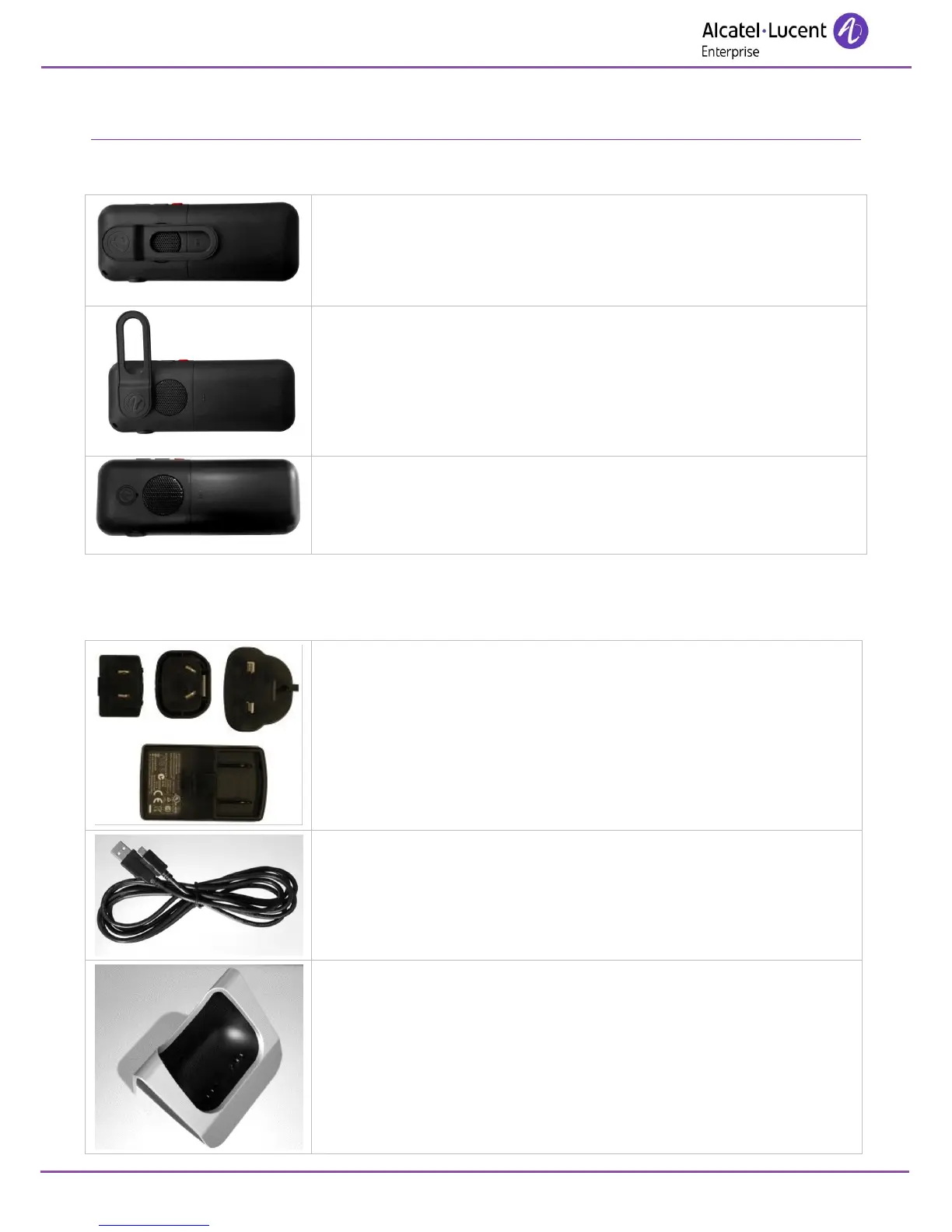
When you purchase your phone, it is equipped with a belt clip on the back.
You can remove this belt clip and replace it with the cover provided in the
box of your new phone.
Turn the belt clip by doing a counterclockwise quarter turn.
Remove the belt clip by pulling it towards you.
Put on the cover instead of the belt clip as shown in the picture.
Push the cover towards the back of the phone until the cover is clipped on.
10.2 Chargers and power supply
Your phone charger is supplied with the following equipment:
An AC/DC adapter made of a body and a separate plug head that clips
onto the AC/DC adapator body.
The charger is provided separately.
A USB cable (provided with the charger).
A desk support for docking your phone.












 To Next Page