EasyManua.ls Logo

Alcatel-Lucent 8242 - Locking Your Telephone

Alcatel-Lucent 8242
85 pages
Print Icon
To Next Page IconTo Next Page
To Previous Page IconTo Previous Page
Loading...
8242 DECT Handset
8AL90311USADed01
52 /83
7.14 Locking your telephone
Locking features on your terminal.
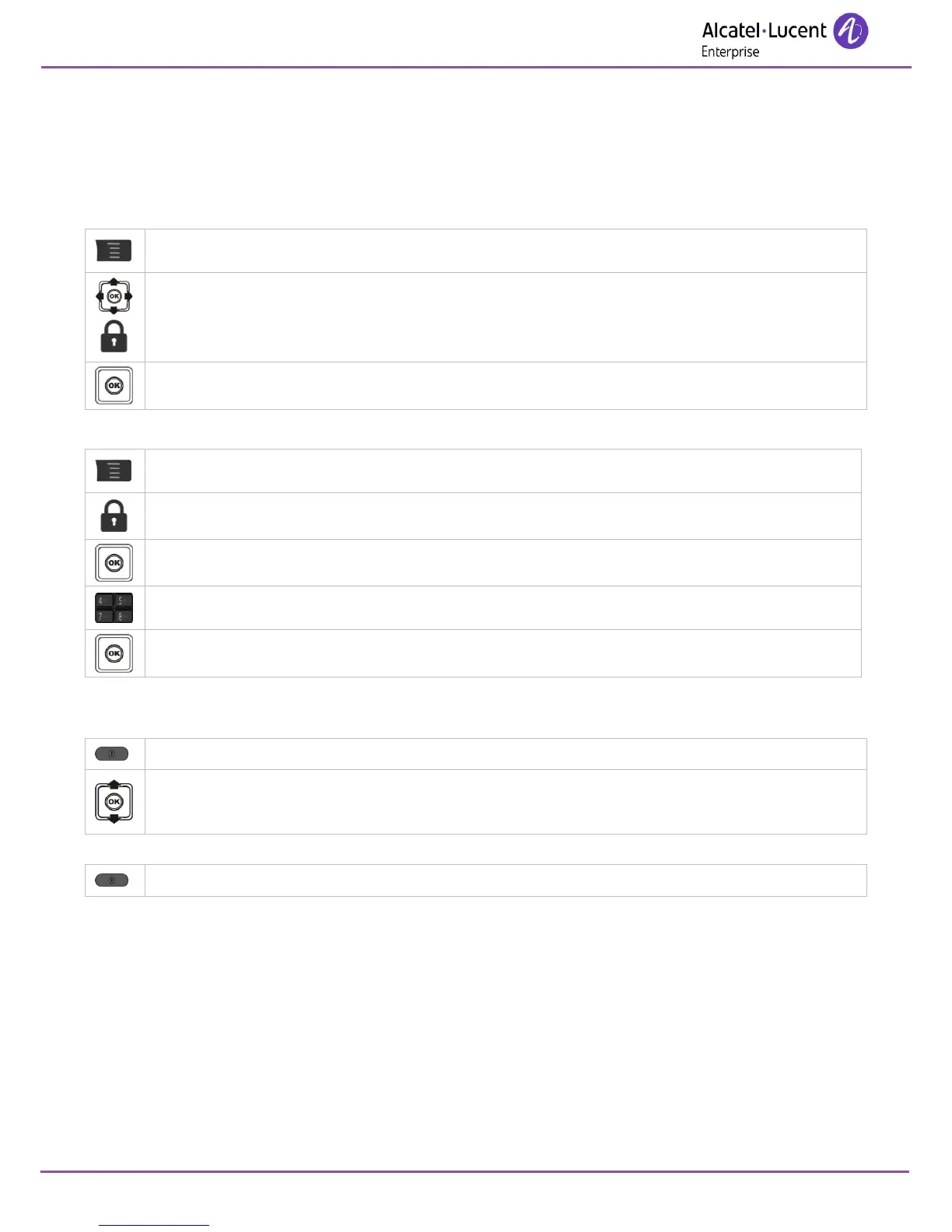
This service enables you to prohibit outside calls and any programming changes on your telephone:
Access MENU.
Lock
Apply.
Unlocking features on your terminal:
Access MENU.
Lock
Apply.
Personal code (Please refer to the administrator for your password.).
Apply.
Locking your terminal.
This service enables you to prevent your phone being used.
Press the switch on/off key (long press).
Select the lock option.
Unlock your terminal:
Press the switch on/off key (long press).

Table of Contents

Other manuals for Alcatel-Lucent 8242

Related product manuals