EasyManua.ls Logo

Alcatel-Lucent 8242 - Configuring Bluetooth

Alcatel-Lucent 8242
85 pages
Print Icon
To Next Page IconTo Next Page
To Previous Page IconTo Previous Page
Loading...
8242 DECT Handset
8AL90311USADed01
53 /83
7.15 Configuring Bluetooth
7.15.1 Enable/Disable Bluetooth
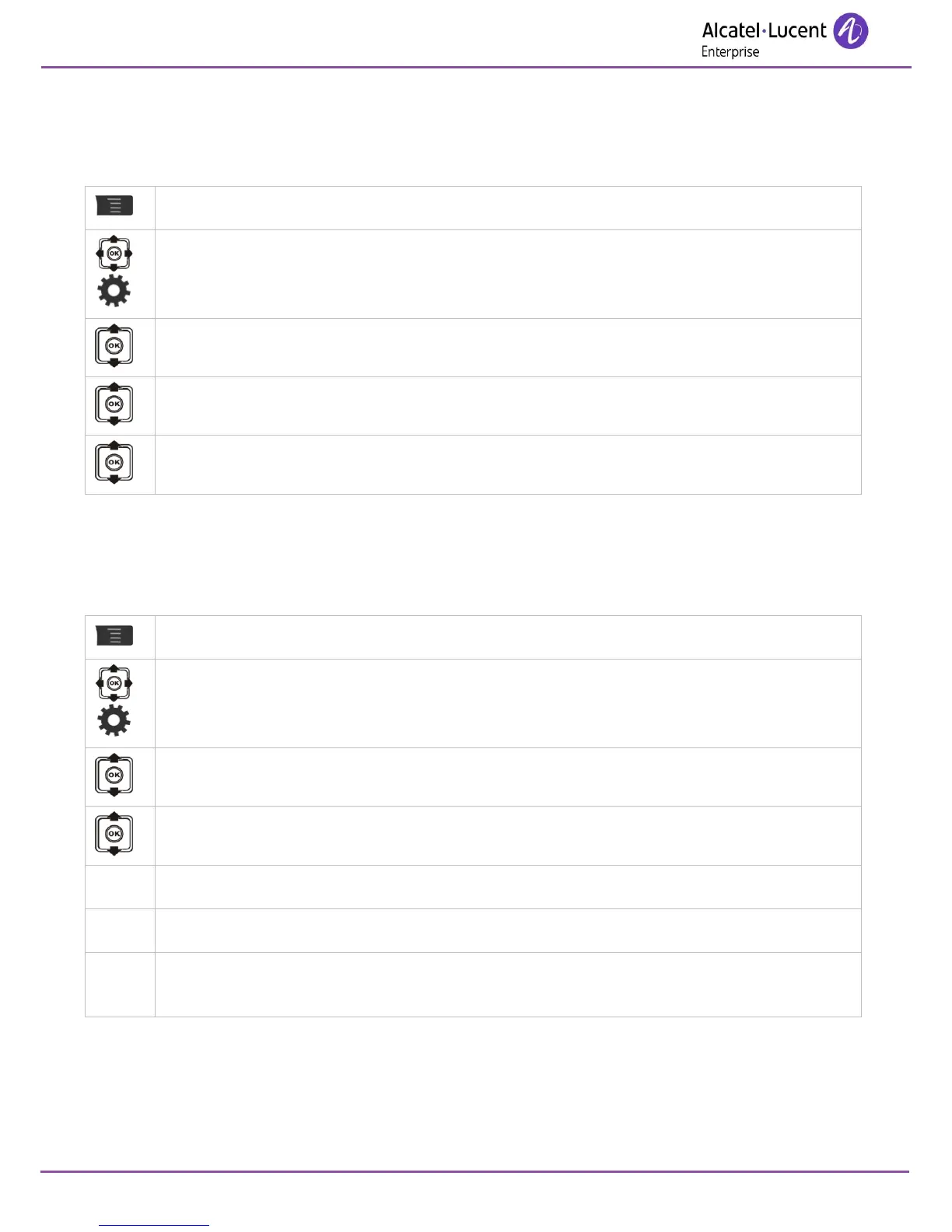
Access MENU.
Settings
Bluetooth
Enable Bluetooth?
Yes / No
When enabled, the unconnected Bluetooth icon is displayed () and the Led flashes blue slowly.
7.15.2 Pairing Bluetooth devices
This feature is used to detect Bluetooth devices and to pair them.
Access MENU.
Settings
Bluetooth
Search for devices
Once the device is listed and named, you can launch the pairing on the device.
Pair
Once paired, the message 'Bluetooth connection established' is displayed on the screen
and the Bluetooth connected icon is displayed.

Table of Contents

Other manuals for Alcatel-Lucent 8242

Related product manuals