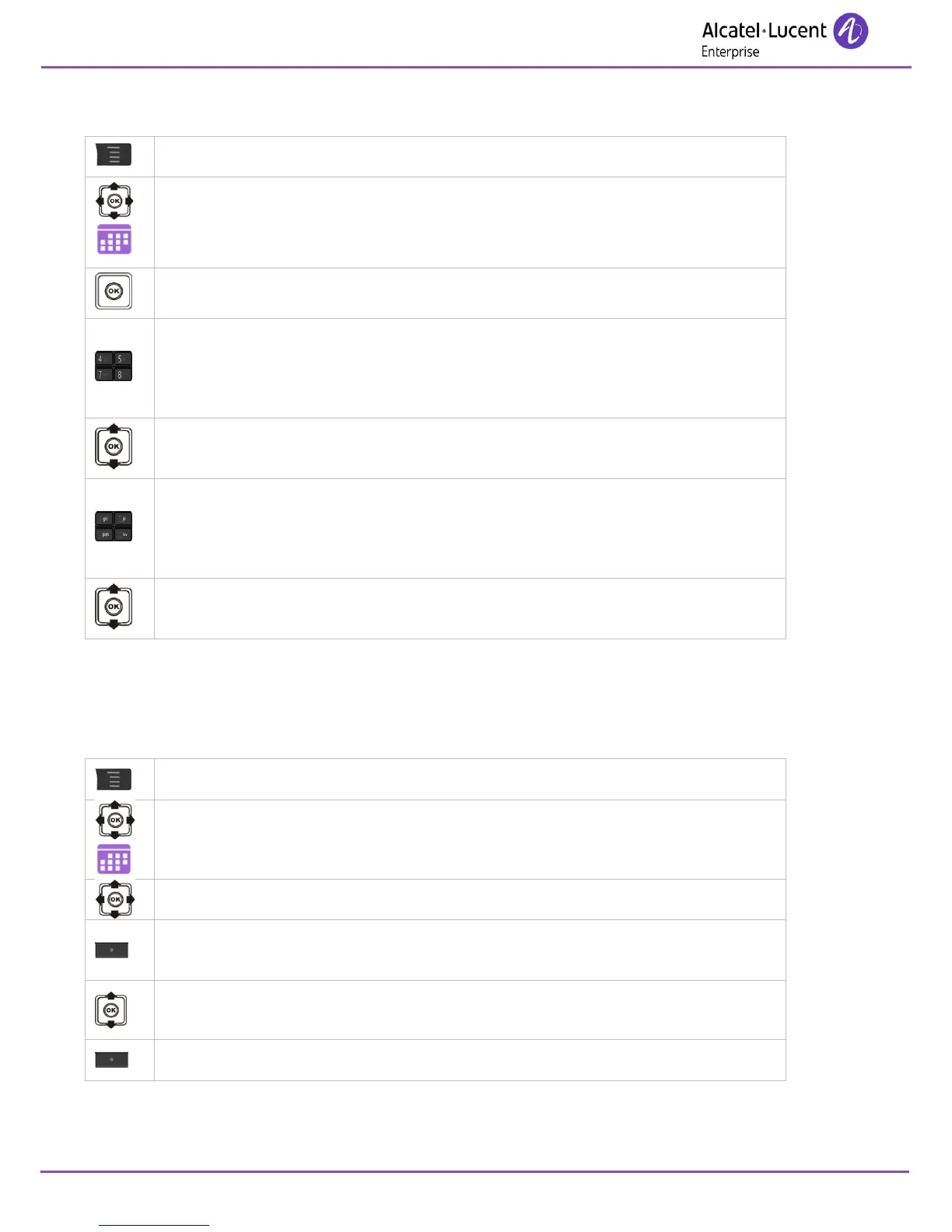
7.13.2 Programming an appointment reminder
Access the agenda menu.
Enter date.
Save
Enter the beginning time.
Save
Choose the duration of the appointment.
Select
Enter the subject of the appointment (this field can be left empty).
Save
Enter the place of the appointment (this field can be left empty).
Save
Define when the reminder will be activated before the appointment.
Select
* When entering a text, a minimum of one character is required. Symbols can be inserted using the symbol
software key and characters can be deleted using the back key or the clear software key.
7.13.3 View the details of an appointment
Access the agenda menu.
Select a date (Month view only).
View (Month view only).
View the agenda for the selected date (Month view only).
Select the appointment of the day (in month view) or the appointment of the
week (in week view).
A scheduled date is framed and has a checkmark.












 To Next Page