EasyManua.ls Logo

Alcatel-Lucent 8242 - Page 65

Alcatel-Lucent 8242
85 pages
Print Icon
To Next Page IconTo Next Page
To Previous Page IconTo Previous Page
Loading...
8242 DECT Handset
8AL90311USADed01
65 /83
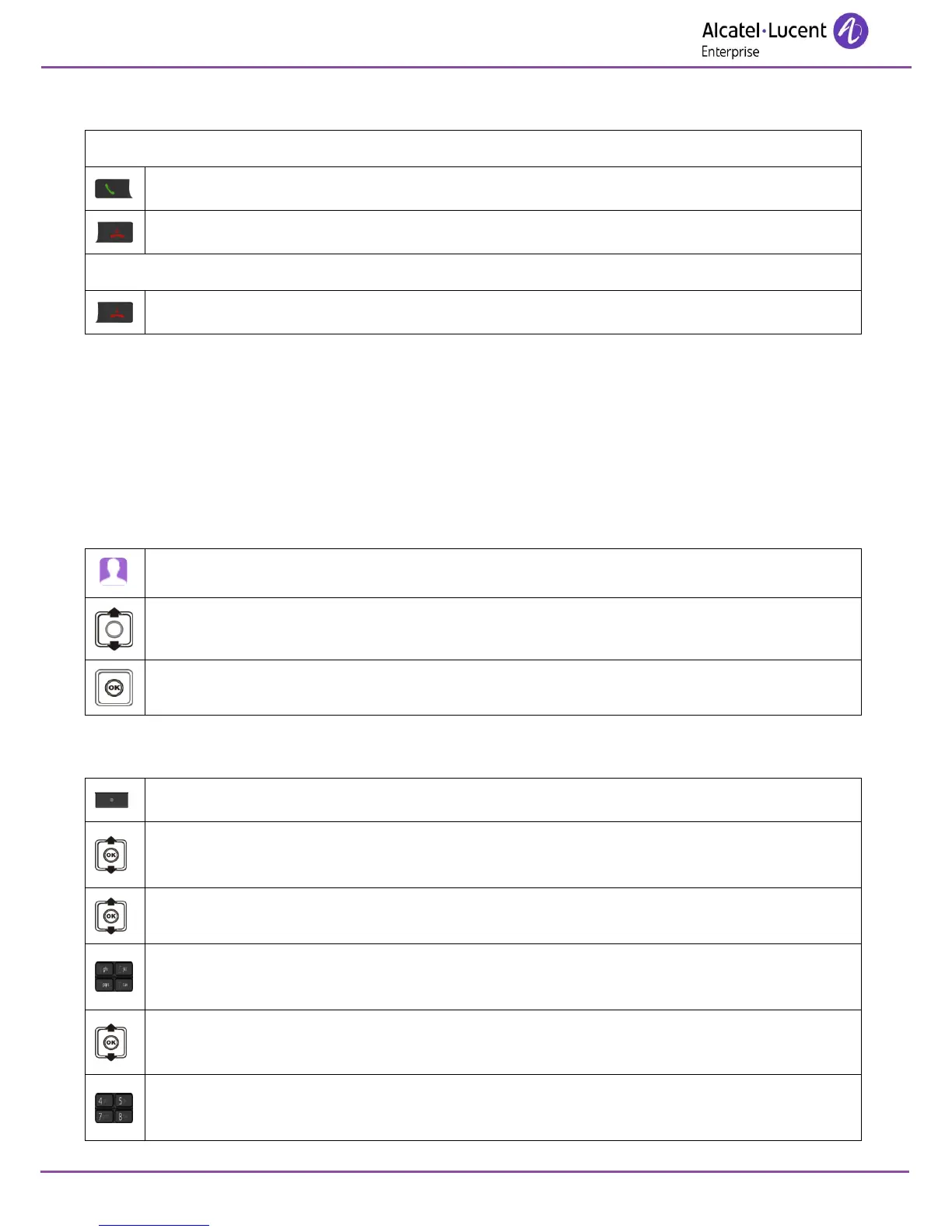
9.2.2 Receiving a call
You are receiving a call.
Answered incoming calls.
Disabling the ringer.
Speak.
Hang up.
The ringer does not ring if:
. the vibrate mode is active, the vibrate mode active icon is displayed on the screen saver.
The ringer is disabled, the ringer disabled icon is displayed on the top icon.
9.2.3 Programming your personal directory
Your directory can contain up to 50 numbers.

Access directories.
Contacts
Validate access to the 'personal directory '.
Add new contact
More.
Add contact
Apply.
Name:
Enter the name (10 characters maximum).
Apply.
Select the type of number to associate to the contact.
Work: / Mobile: / Home: / Other:
Enter the number.
Apply.

Table of Contents

Other manuals for Alcatel-Lucent 8242

Related product manuals