EasyManua.ls Logo

Alcatel-Lucent 8242 - Page 75

Alcatel-Lucent 8242
85 pages
Print Icon
To Next Page IconTo Next Page
To Previous Page IconTo Previous Page
Loading...
8242 DECT Handset
8AL90311USADed01
75 /83
Low battery warning
To activate or deactivate Bip emission when placing handset on charger. Activate or deactivate Bip
emission when low battery level is reached.
Charger warning
On / Off: Activate or deactivate the low battery warning.
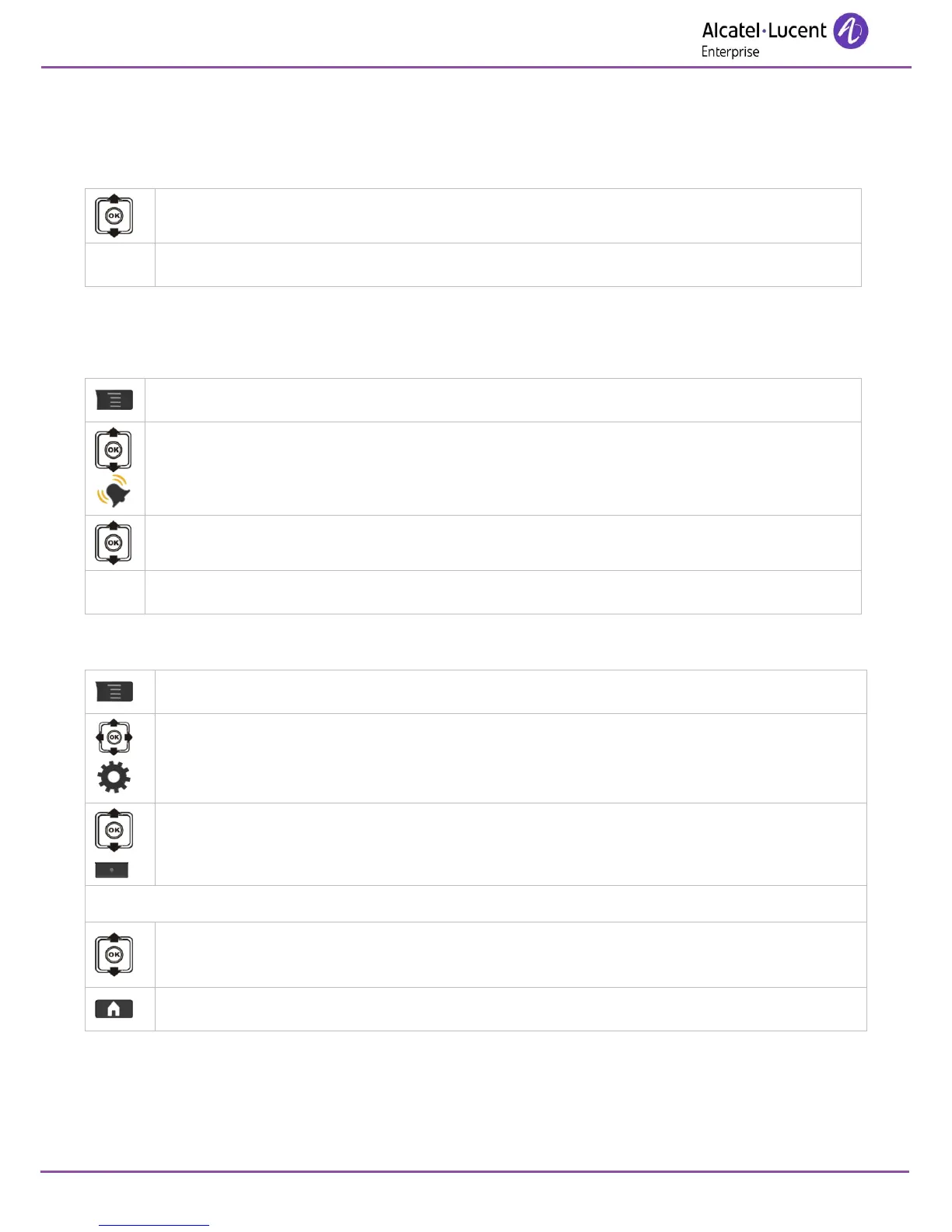
9.5.4 Activating headset mode
Activate or deactivate the headset mode. When activated only the headset rings (if plugged in).
Access MENU.
Ring
Headset mode
On / Off: Activate/Deactivate Headset mode.
9.5.5 Adjusting your telephone functions
Access MENU.
Settings
Select the function* you want and use the On/Off softkeys to activate or deactivate the
function.
OR.
Select the function* you want and press the OK key to enter the function menu to
configure the function.
Return to idle.

Table of Contents

Other manuals for Alcatel-Lucent 8242

Related product manuals