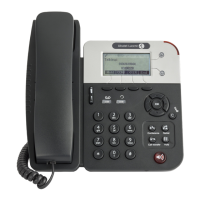
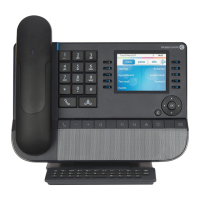
H2 DeskPhone
H2P DeskPhone
8AL90394ENAAed01 38 /111
8.12 Call waiting
⚫ Enable call waiting: New calls can be accepted during a call.
⚫ Disable call waiting: New calls will be automatically rejected and a busy tone will be prompted.
⚫ Enable call waiting tone: When you receive a new call on the line, the tone will beep.
⚫ The user can enable/disable the call waiting function in the telephone interface and the web interface.
⚫ WEB interface: Enter [Phone Settings] >> [Features] >> [Basic Settings], enable/disable call waiting
and call waiting tone.
Figure 37 - Web call waiting setting
Figure 38 - Web call waiting tone setting







 To Next Page