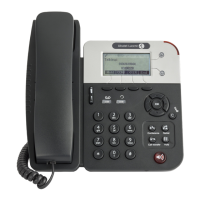
H2 DeskPhone
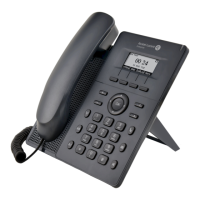
H2P DeskPhone
8AL90394ENAAed01 78 /111
◼ Clear data tables
Select the local data table to be cleared, all selected by default.
◼ Reset telephone
The telephone data will be cleared, including configuration and database tables.
11.5 Status >> Upgrade
Upgrade the telephone software version, customized ringtone, background, DSS key icon, etc., can also be
upgraded to delete the file. Ring tone support. “.wav” format.
11.6 Status >> Auto Provision
The Auto Provision settings help the IT manager or service provider to easily deploy and manage the
devices in mass volume. For details on Auto Provision, please refer to this link: Auto Provision Description。
11.7 Status >> Tools
Tools provided in this page help users to identify issues when troubleshooting. Please refer to 13 Trouble
Shooting for more detail.
11.8 Status >> Reboot Telephone
This page can restart the telephone.






 To Next Page