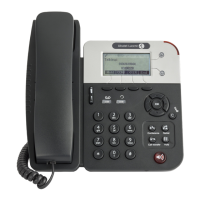
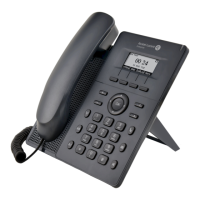
H2 DeskPhone
H2P DeskPhone
8AL90394ENAAed01 86 /111
12.5 Line >> Dial Plan
Figure 113 - Dial plan settings
Table 19 - 7 Telephone Dialing Methods
The user dials the other party's number and then adds the # number to
dial out;
The number entered by the user is automatically dialed out when it
reaches a fixed length.
The system dials automatically after timeout.
Press # to Do Blind Transfer
The user enters the number to be transferred and then presses the "#"
key to transfer the current call to a third party.
After the user enters the number, hang up the handle or turn off the
hands-free function to transfer the current call to a third party.
Attended Transfer on
Onhook
Hang up the handset or press the hands-free button to perform an
attended transfer, which can transfer the current call to a third party.
Attended Transfer on
Conference Onhook
During a three-way call, hang up the handset, and the remaining two
parties remain on the call.
Please refer to E. 164 standard specification






 To Next Page