45
8.20
Delete a file
8.21
Rename a file
8.22
Copy a file from the external storage device to the phone internal memory
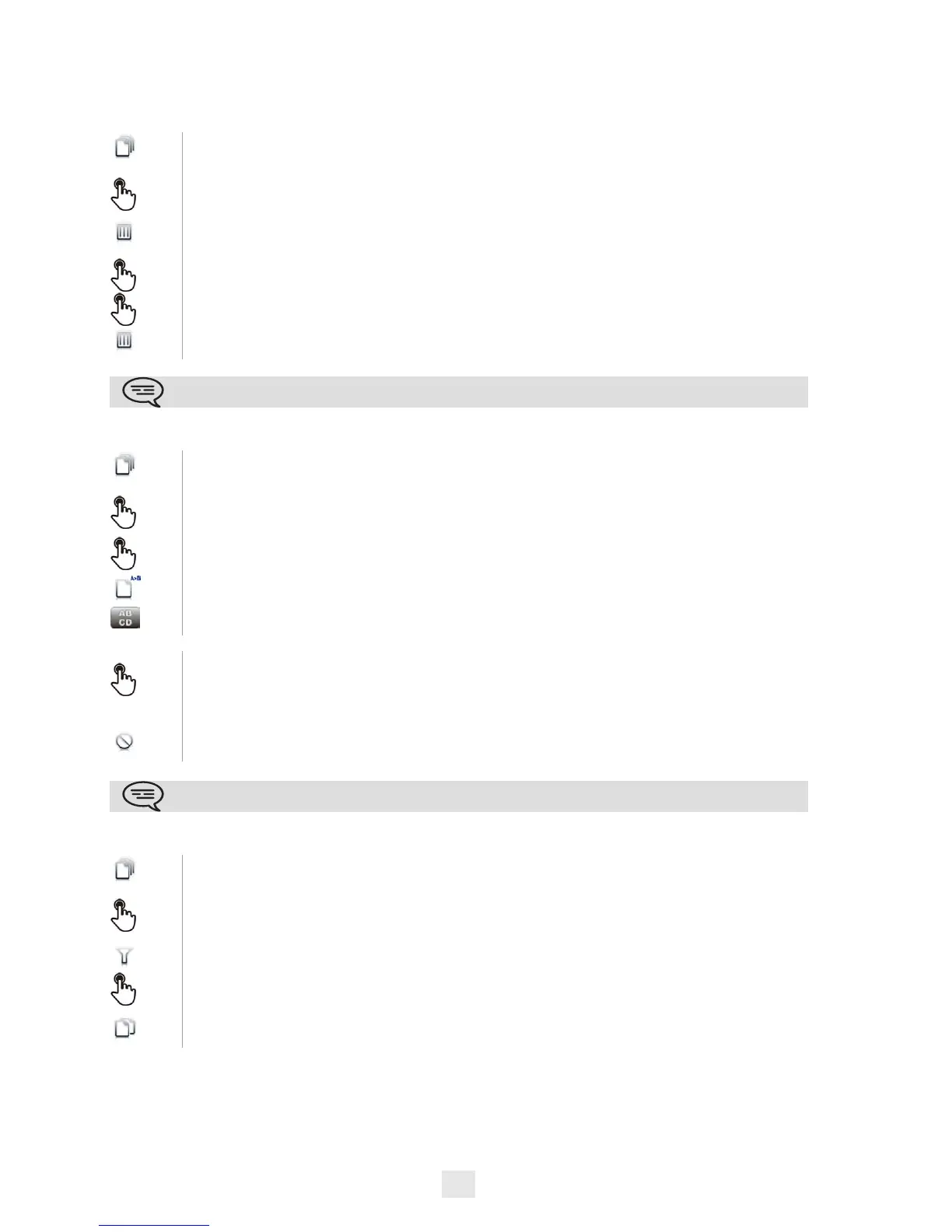
Select the application
My files
Select the file type you want:
• Audio
• Picture
Enter delete mode
Delete
Select the file to delete
Confirm deletion
Exit delete mode
You cannot delete a file stored on an external device.
Select the application
My files
Select the file type you want:
• Audio
• Picture
Select the file to rename
Rename
Enter the new file name
Ok
Apply
OR
Cancel the operation
Cancel
You cannot rename a file stored on an external device.
Select the application
My files
Select the file type you want:
• Audio
• Picture
Filters
Select the storage device
Select the file to copy
Copy












 To Next Page