10
IInnssttaalllliinngg
tthhee
llaabbeell
oonn
tthhee
tteerrmmiinnaall
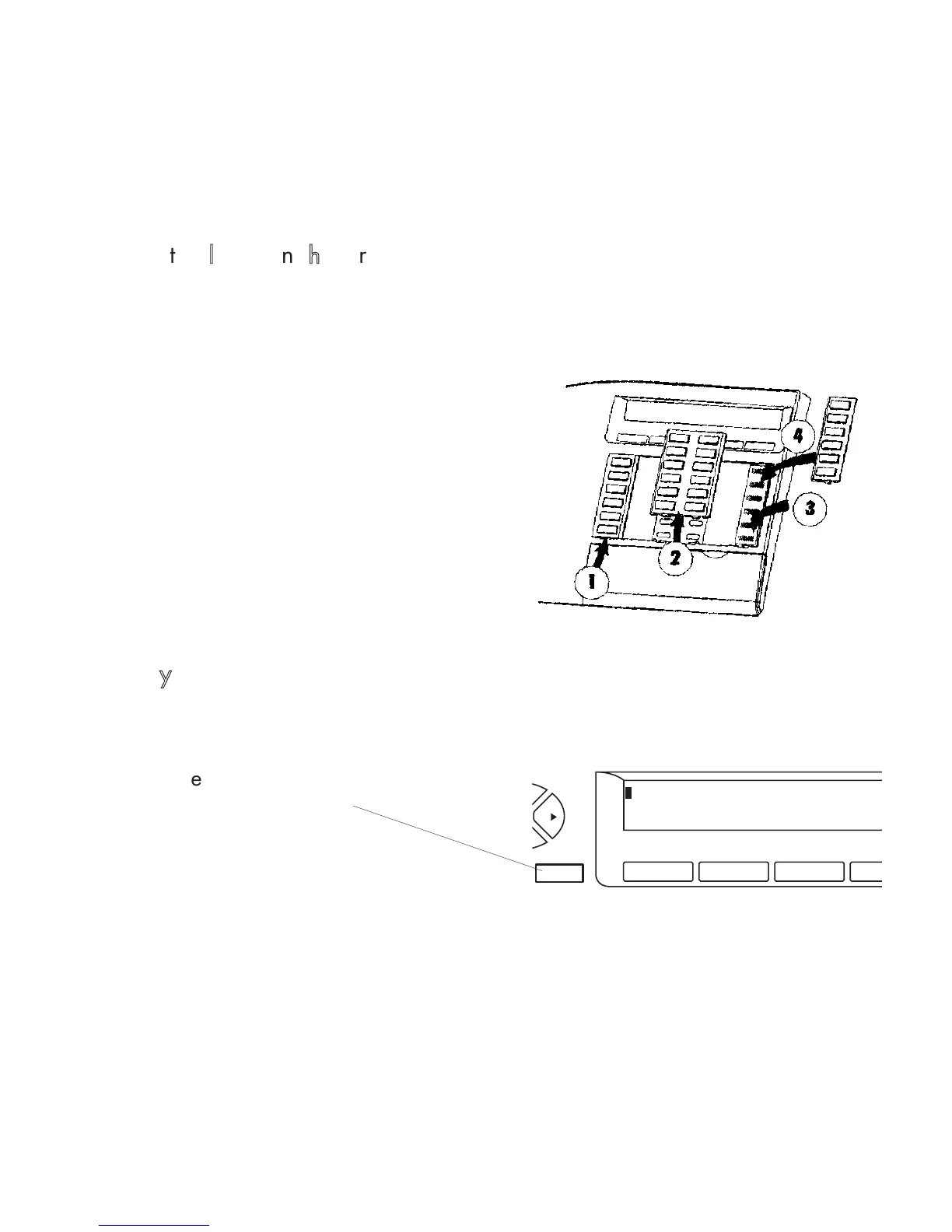
A printed label is supplied with the terminal. This should be placed under the key cover
for each block of keys.
FFiixxeedd
kkeeyyss
The fixed keys correspond to frequently used features.
MMeennuu::
to enter access or programming modes
and to display information.
Insert flat blade into the slot (1 slot for
each block of keys).
Raise the cover.
Slide the printed label into position.
Replace the cover.













 To Next Page