63
AA BB SS EE NN CC EE
Access the service feature group
""AAssssoocciiaattee
sseerrvviicceess..""
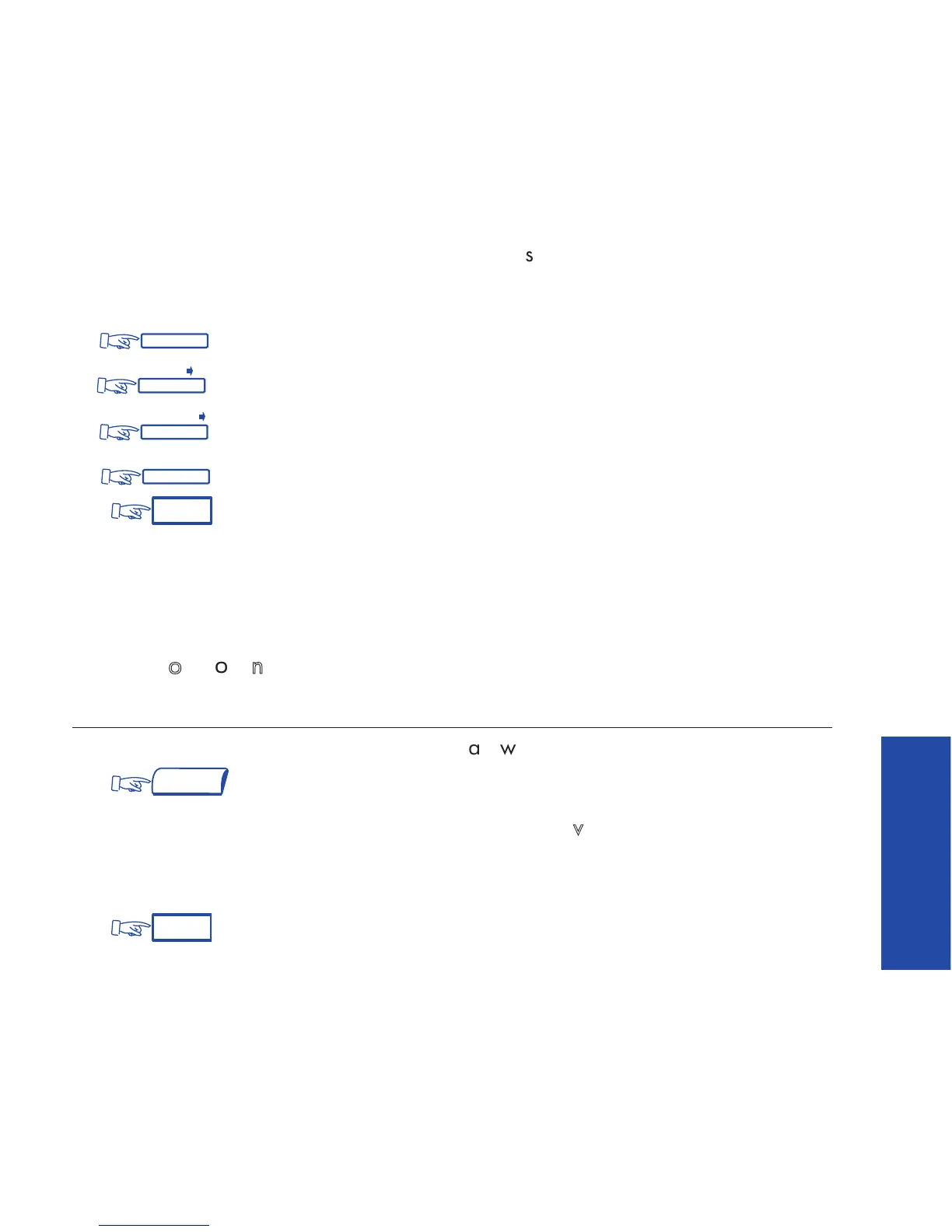
(2) Apply one of the following:
: to forward if you do not answer within a specified time.
: to forward immediately when your station is busy.
: to combine both of the above, or
: to cancel this feature.
(3)
Note : These features can be invoked by dialing the appropriate code (overflow) or by
pressing the corresponding programmed key.
FFoorrwwaarrdd
oonn
nnoo
aannsswweerr
To forward your calls to another number (when you are away from your desk):
(1) Dial the code for the
""FFoorrwwaarrdd
oonn
nnoo
aannsswweerr""
feature, or
or
Access the service feature group
""FFoorrwwaarrddiinngg
sseerrvviicceess""
to apply
NNooAAnnss>>
.
(2) Then, following the prompts, dial the number to which calls are to be
forwarded. The display will confirm that forwarding has been programmed.
(3) ;













 To Next Page