7
NNaavviiggaattiioonn
CCoonncceepptt
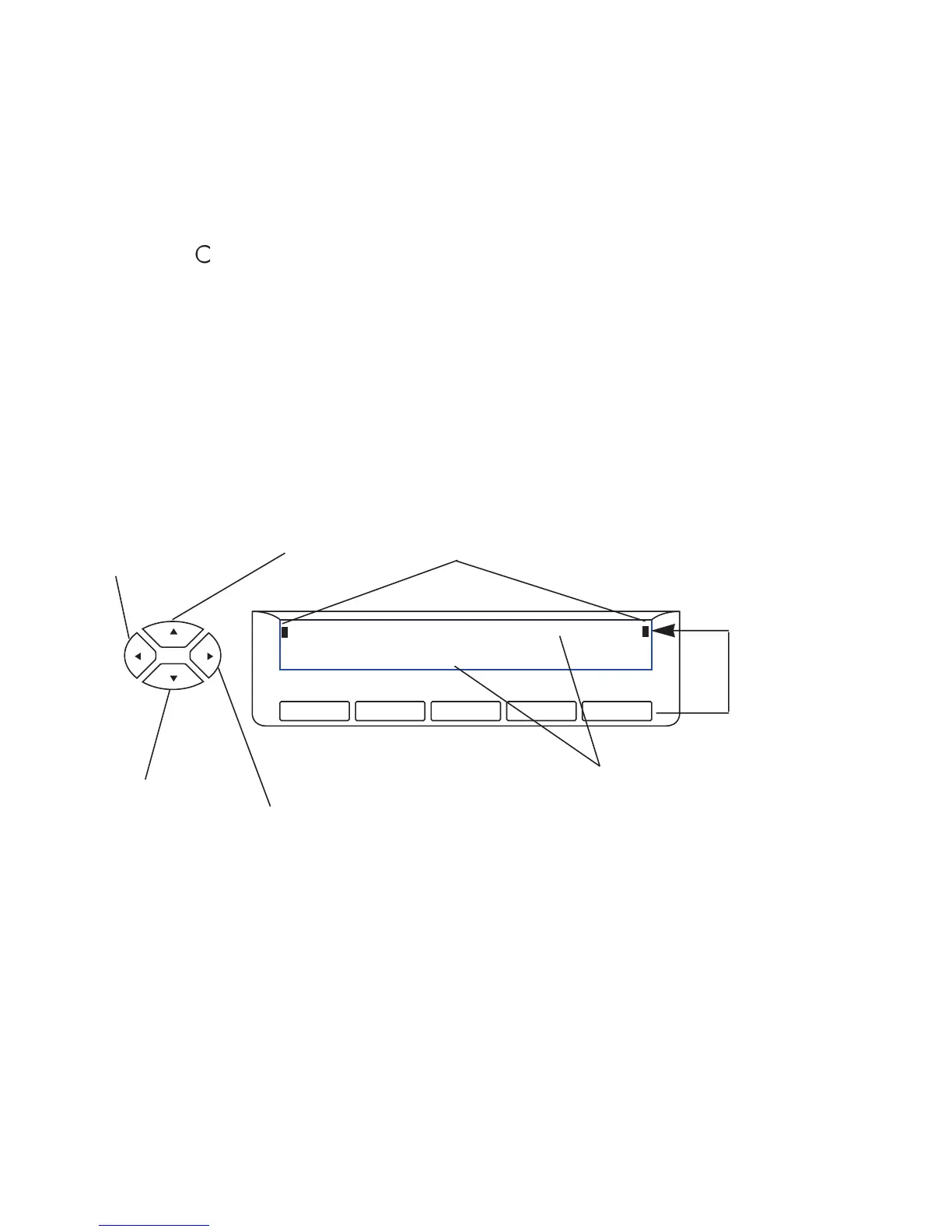
The
NNaavviiggaattoorr
is used to select directory pages, or available features, or to scroll
through the pages appearing on the two-line display (which, in turn, designates the
feature for each display key).
If you select the upper line, indicators will flash (at the left end and right end of the line)
to indicate that the line is active. If you press a display key (or wait a few seconds),
the lower line automatically becomes active again.













 To Next Page