35
CC AA LL LL SS
hold facility by the flashing icon - and any one of them can then pick up this
call by using their common hold key.
SSeennddiinngg
aa
tteexxtt
mmeessssaaggee
ttoo
aann
iinntteerrnnaall
ppaarrttyy
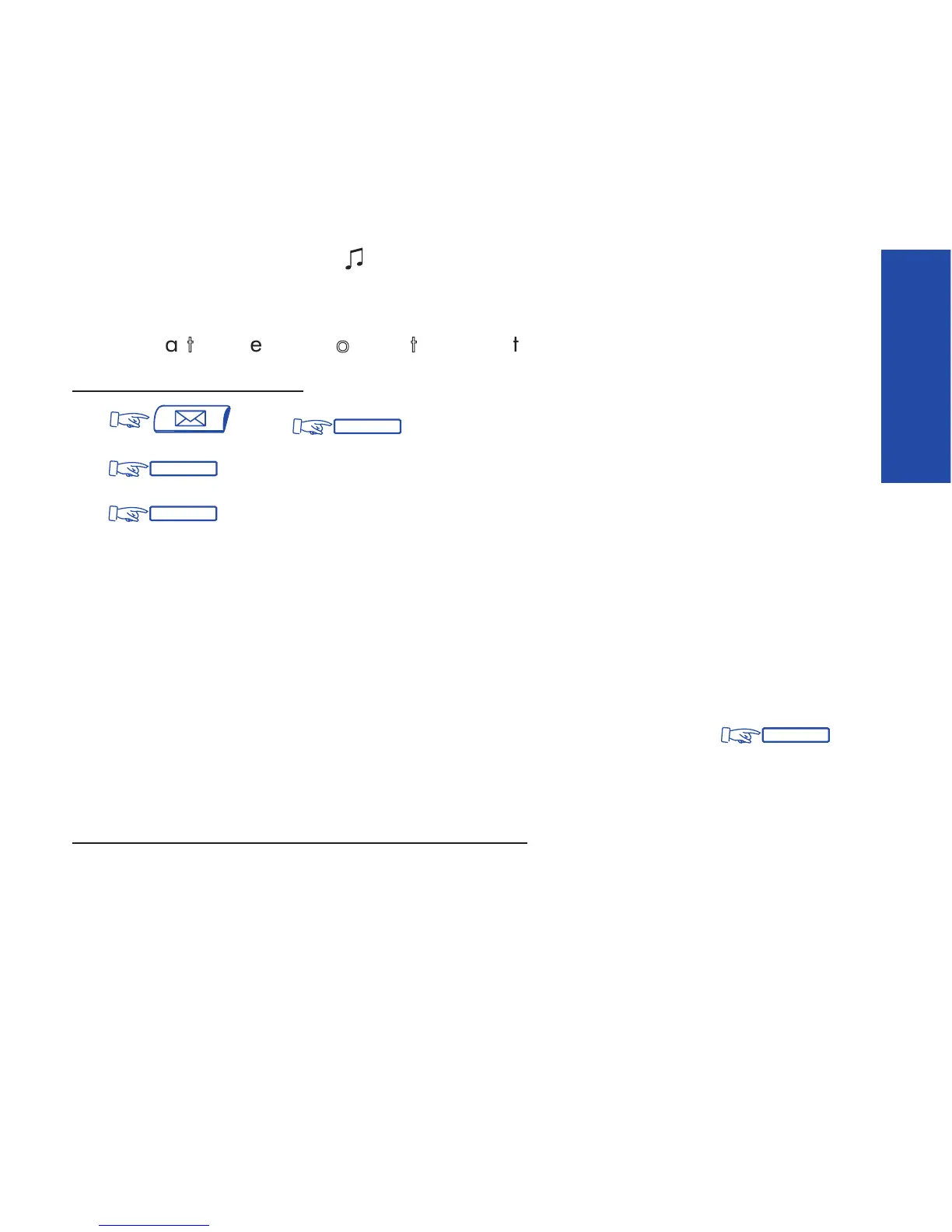
To send a text message:
(1) then
(2) , then dial your partys number - their name will be displayed.
(3) and the system offers several message options. You can choose:
FixMsg : a fixed (predefined) message
PrgMsg : a partially-defined message you will complete (see below)
MyMsg : to fully compose a message, yourself (max. 127 characters)
Back : to return to previous menu
(4) Select your message type by pressing the corresponding key.
You may scroll through the available messages by using the display keys.
(5) After selecting, completing, or composing, send the message by:
.
The system confirms that your message has been sent (and offers you the
opportunity to send another message).
Examples of Programmed/Predefined messages
1. Please ring, URGENT
2. Please ring tomorrow
3. Meeting on
**
/
**
at
**
:
**
(*)













 To Next Page