6
2 INSTALLING YOUR PHONE
2.1 Installing and Charging the Batteries
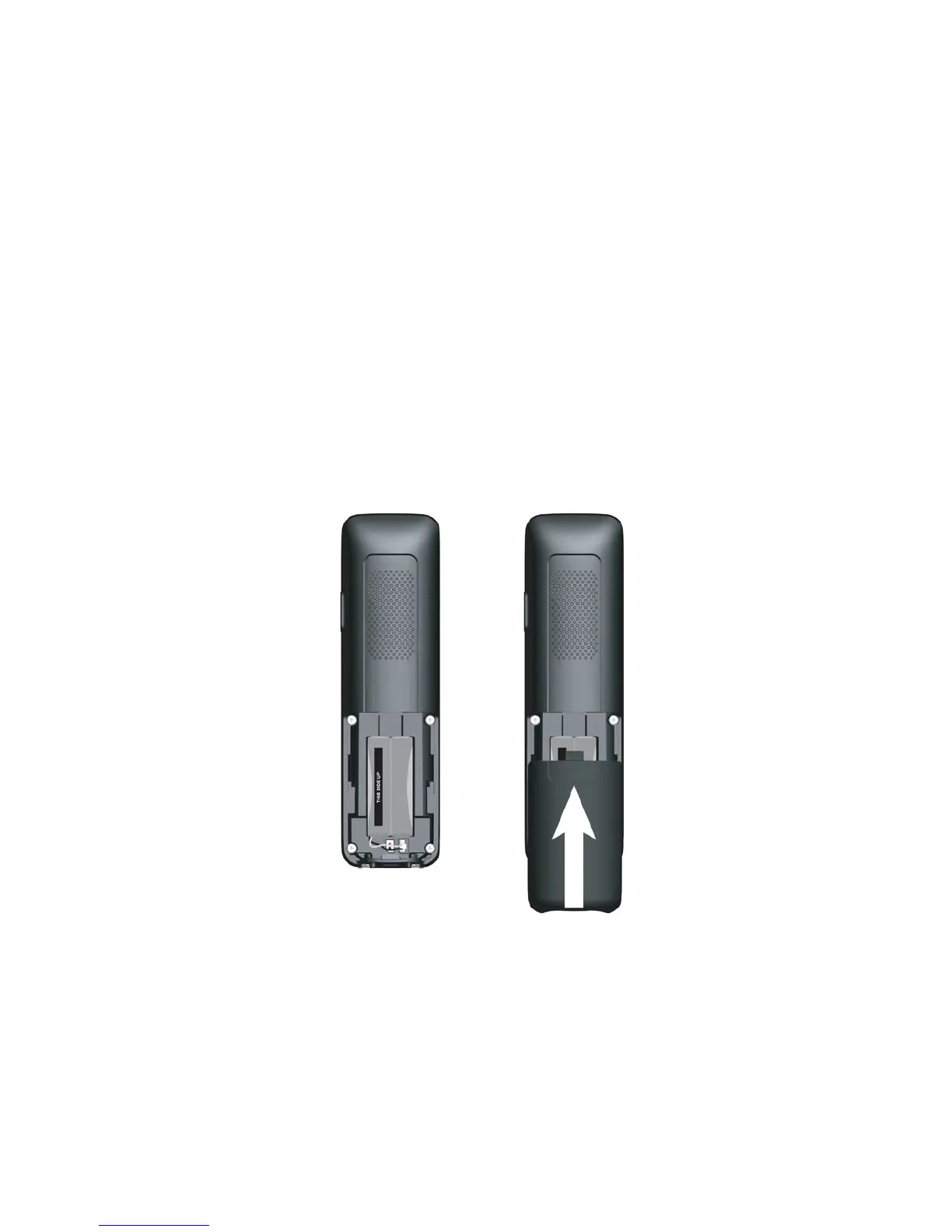
1. Slide down to open the battery compartment cover.
2. Place the 1 supplied rechargeable battery pack as indicated. Pay extra
attention to direction of polarity.
3. Slide the battery compartment cover back.
4. Put the handset on the base and charge for 15 hours before using the
handset for the rst time. The handset will give a beep when it is properly
placed on the base or charger.
Notes:
1. Use only the supplied NiMH rechargeable battery pack.
2. If the handset will not be used for a long time, disconnect and remove the
Battery pack to prevent possible leakage.



 To Next Page