7
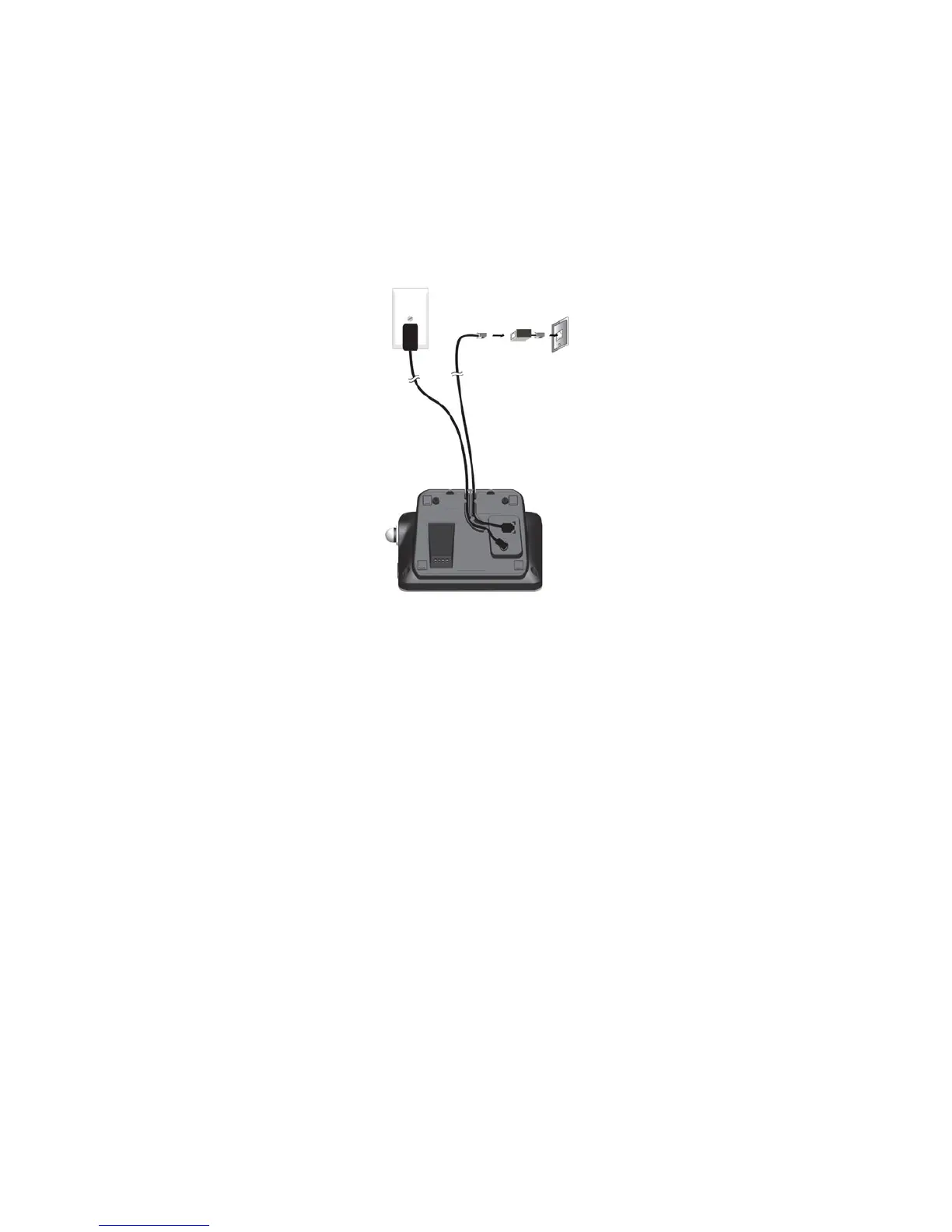
2.2 Connecting the Base Station
1. Plug one end of the telephone line cord into the telephone jack on base
bottom.
2. Plug the small end of power adapter into a power jack on base bottom.
3. Plug the large end of power adapter into a wall power outlet.
4. Plug the other end of the telephone line cord in to the telephone jack or
micro-lter.
5. Always use the cables provided in the box.
If you have broadband service, a micro-filter
(not included) is required.



 To Next Page