9
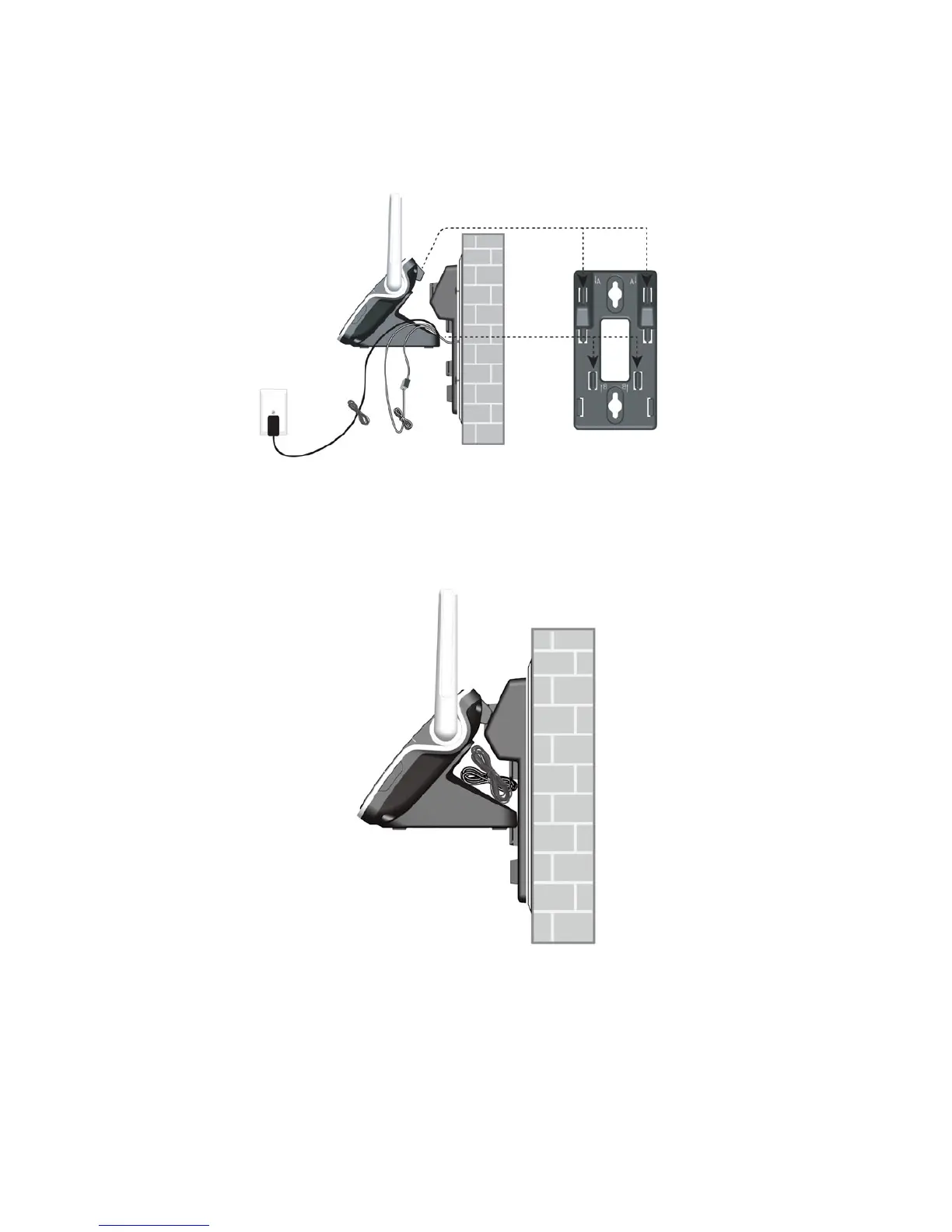
3. Hold the cords to the side of the telephone base. Align the upper slots on
the back of the telephone base just above the upper tabs (marked A) of the
wall mount bracket. Make sure the lower slots of the telephone base are
also aligned above the lower tabs (marked B) of the wall mount bracket.
Push the telephone base down until it clicks securely in place.
4. Bundle the telephone line cord and power adaptor cord neatly with twist
ties. Place the bundled cords into the space behind the telephone base.



 To Next Page