11Ver. 1.01
Overview
The Rock can accept an IP address dynamically via DHCP, or be assigned a static IP address.
To configure the network settings of a Rock, we use the Rock like a QR code scanner.
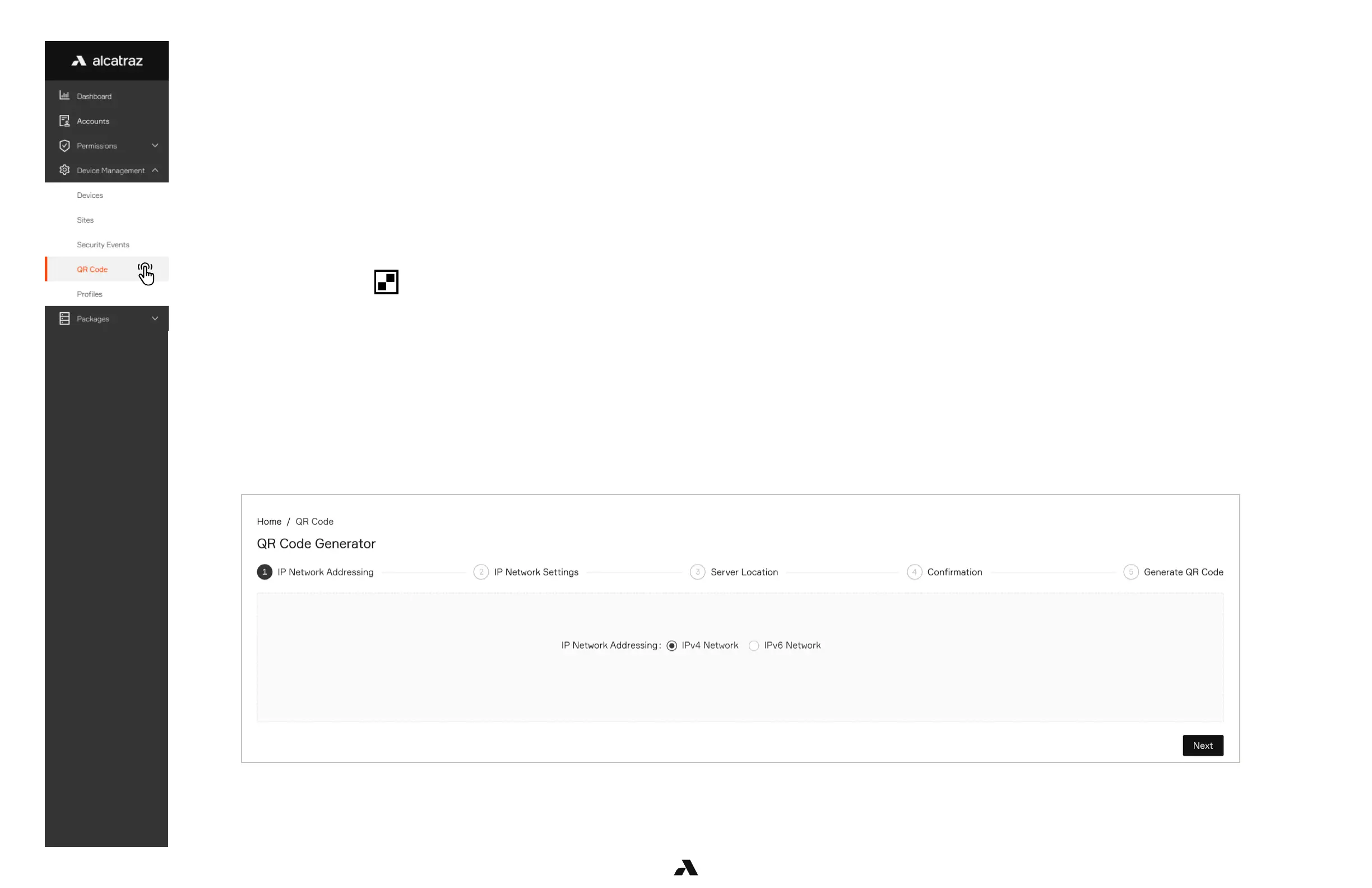
The Admin Portal has a QR Code Generator feature that encodes network settings;
■ First enter the network settings
■ Next generate the QR code which encodes those settings
■ Third print the QR code on a piece of paper
■ Finally present that printed code to the Rock’s image sensor
After the Rock detects and reads that QR code, the encoded network settings will take affect.
To edit or update those settings, generate a new QR code.
When the Rock displays in the status bar, the Rock is “QR Code Receptive”.
QR Code Generator
Go to Device Management -> QR Code
Select IPv4 Network and click Next. (IPv6 Network is a future release)



 To Next Page