19Ver. 1.01
Step 1А – Auto-Enrollment (Badge-in #1)
Auto-Enrollment requires two badge-ins separated in time by a few seconds
Badge-in #1:
1. Approach the Rock
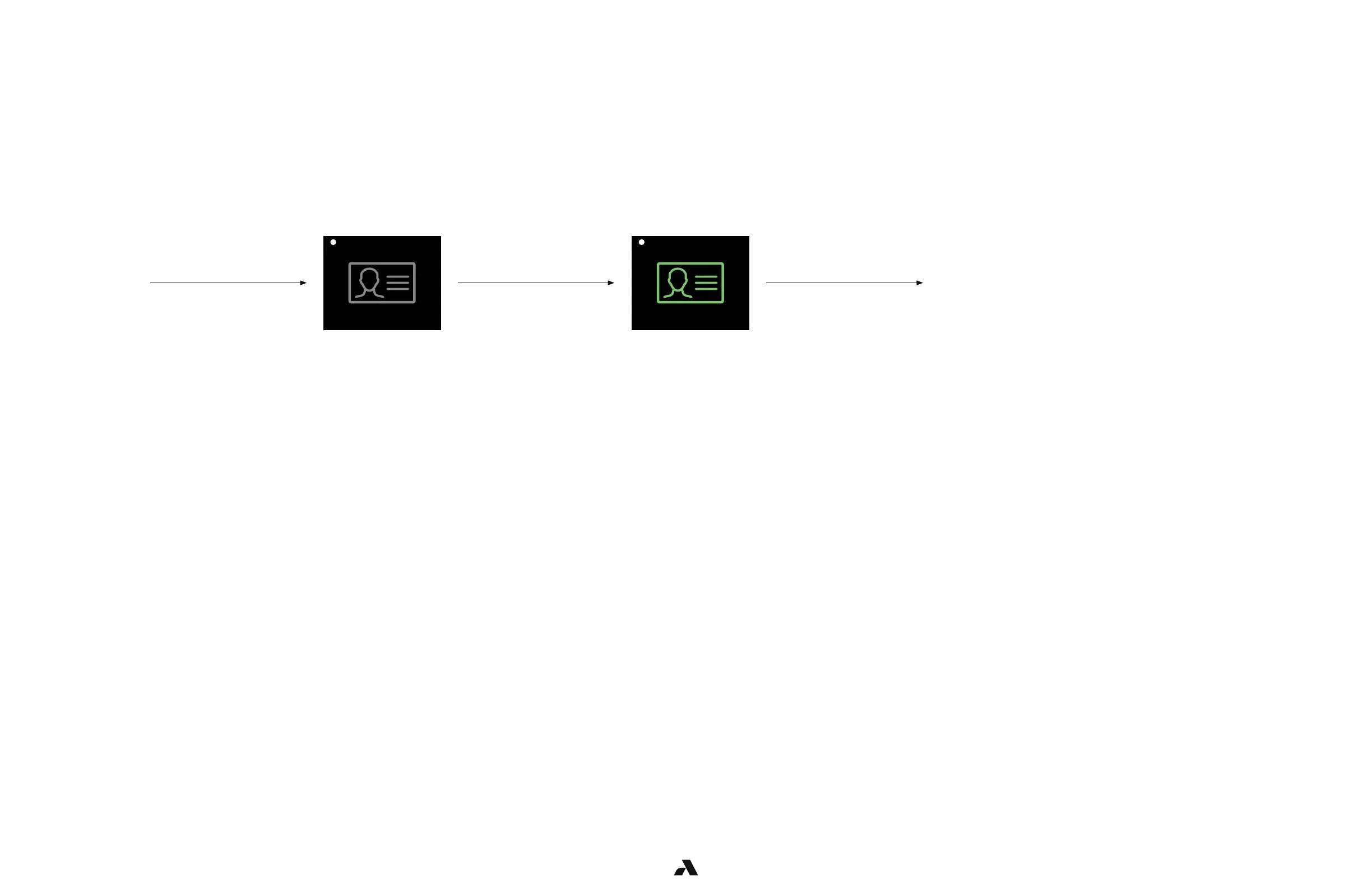
2. The Rock will display a white dot for person in range and a grey badge icon
3. Present a badge to the tethered reader
Test Pass:
■ Reader illuminates green,
■ Rock badge icon illuminates green,
■ Rock LED illuminates blue then green,
■ and door unlocks
User
approaches
the door
User must present
their badge
*LED is white *LED turns blue then green
User swipes
a valid badge
User is
granted entry



 To Next Page