38Ver. 1.01
Device Mode Setting – Demo
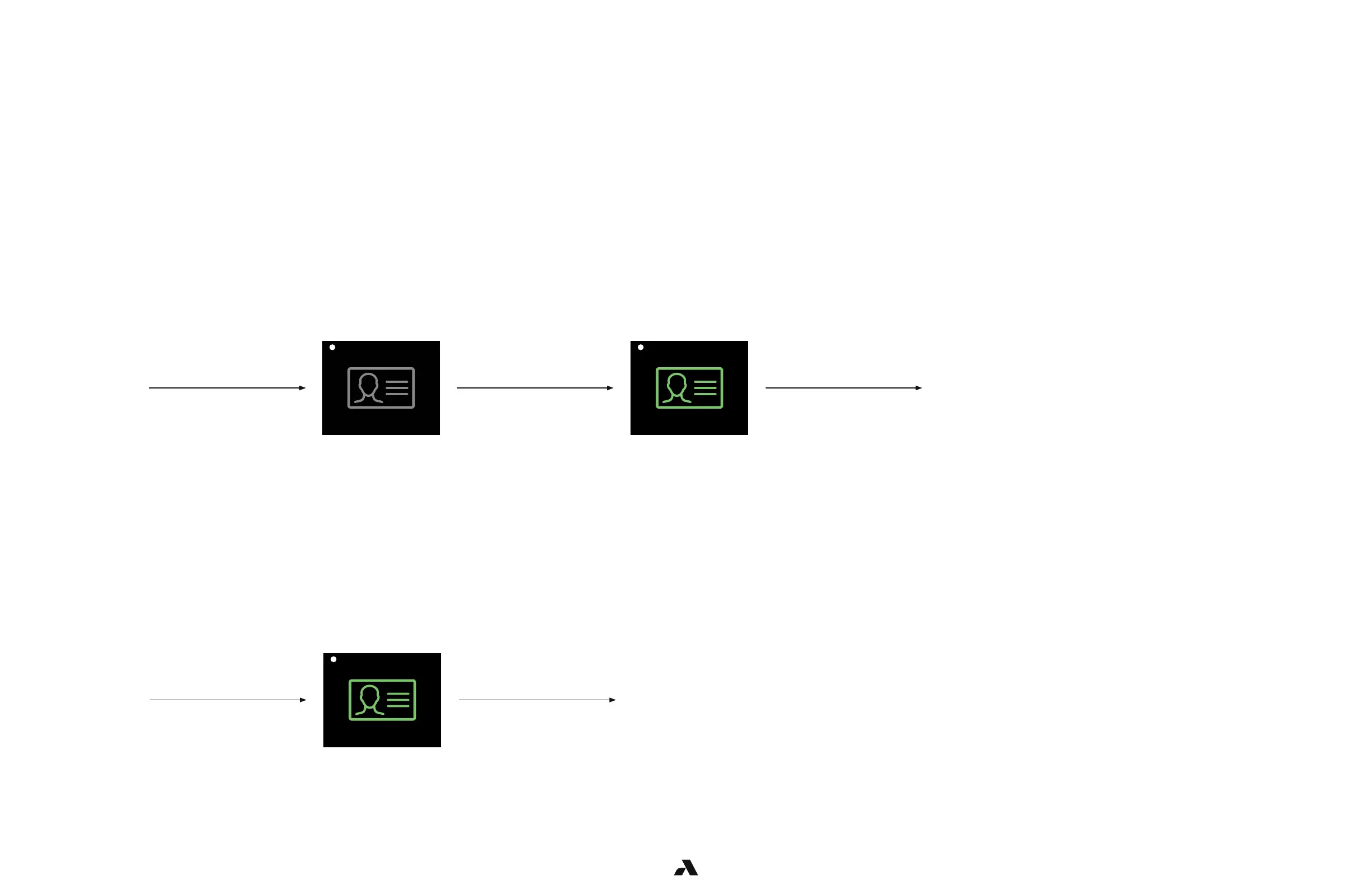
Auto-Enrollment (perform twice)
Authentication
The Rock is shipped in Demo mode.
This mode provides the ability to do testing that will confirm a successful physical end-to-end installation.
In Demo mode, enrollment is completed by swiping a badge twice with a few seconds in between for the first two entries.
On the third entry, the user will not be required to present their badge as the Rock will authenticate the face.
User
approaches
the door
A grey badge indicates
that user must present
their badge for entry
A green badge indicates
that the user presented
a valid badge
*LED is white *LED turns blue then green
User swipes
a valid badge
User is
granted entry
User
approaches
the door
User is
granted entry
User authenticates,
icon turns green
User has been enrolled
and no longer requires a
badge for entry
*LED turns blue then green
NOTE: It is possible that additional enrollment step will need to be performed if sufficient
images are not captured. For example, not favorable images due to lighting conditions



 To Next Page