40Ver. 1.01
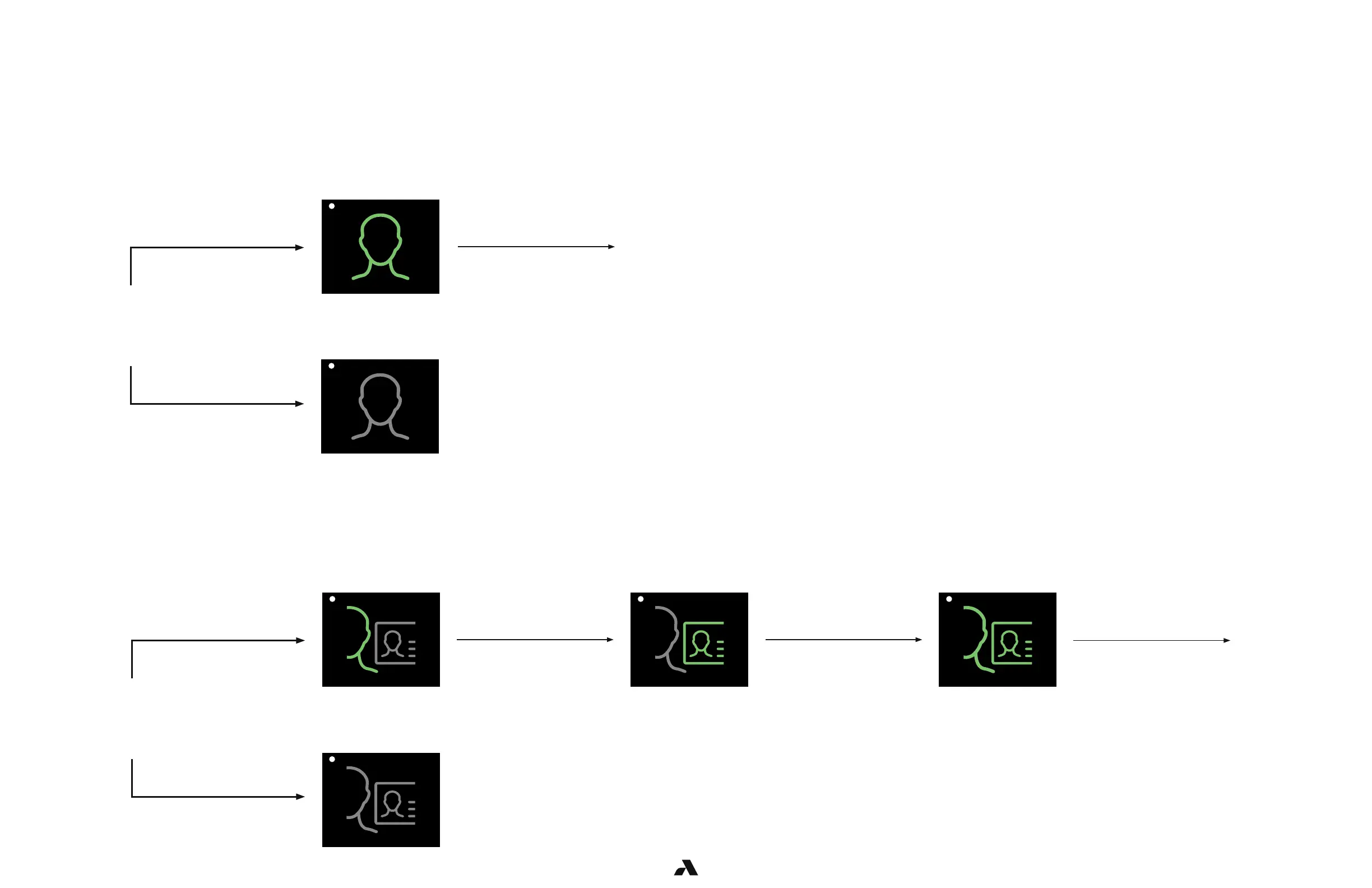
Device Mode Setting – 1FAF
Device Mode Setting – 2FA
This Rock is in 1FAF mode or Single Factor Authentication Face only.
An Enrollment Station is required for this mode because there is no tethered reader.
A user must be enrolled at a station where a Rock has been dedicated to operating in enrollment mode.
This Rock is in 2FA mode or Two Factor Authentication. This mode requires that the user present their face and badge.
Enrollment must be done at an enrollment station.
User
approaches
the door
User
approaches
the door
User is
granted entry
User is
granted entry
User must
swipe badge
Face
turns green
User authenticates,
icon turns green
User does not
authenticate
Icon remains grey if user
has not enrolled
User is an
enrolled user
Icon remains grey if user
has not enrolled
User swiped a valid
badge, badge turns green
User is an enrolled user
with a valid badge
User authenticates only
if enrolled
*LED is white
*LED is white *LED is white *Led turns blue than green
*LED turns blue then green
User
authenticated



 To Next Page