39Ver. 1.01
Device Mode Setting – 1FA
This Rock is in 1FA mode or Single Factor Authentication. Auto-enrollment is on.
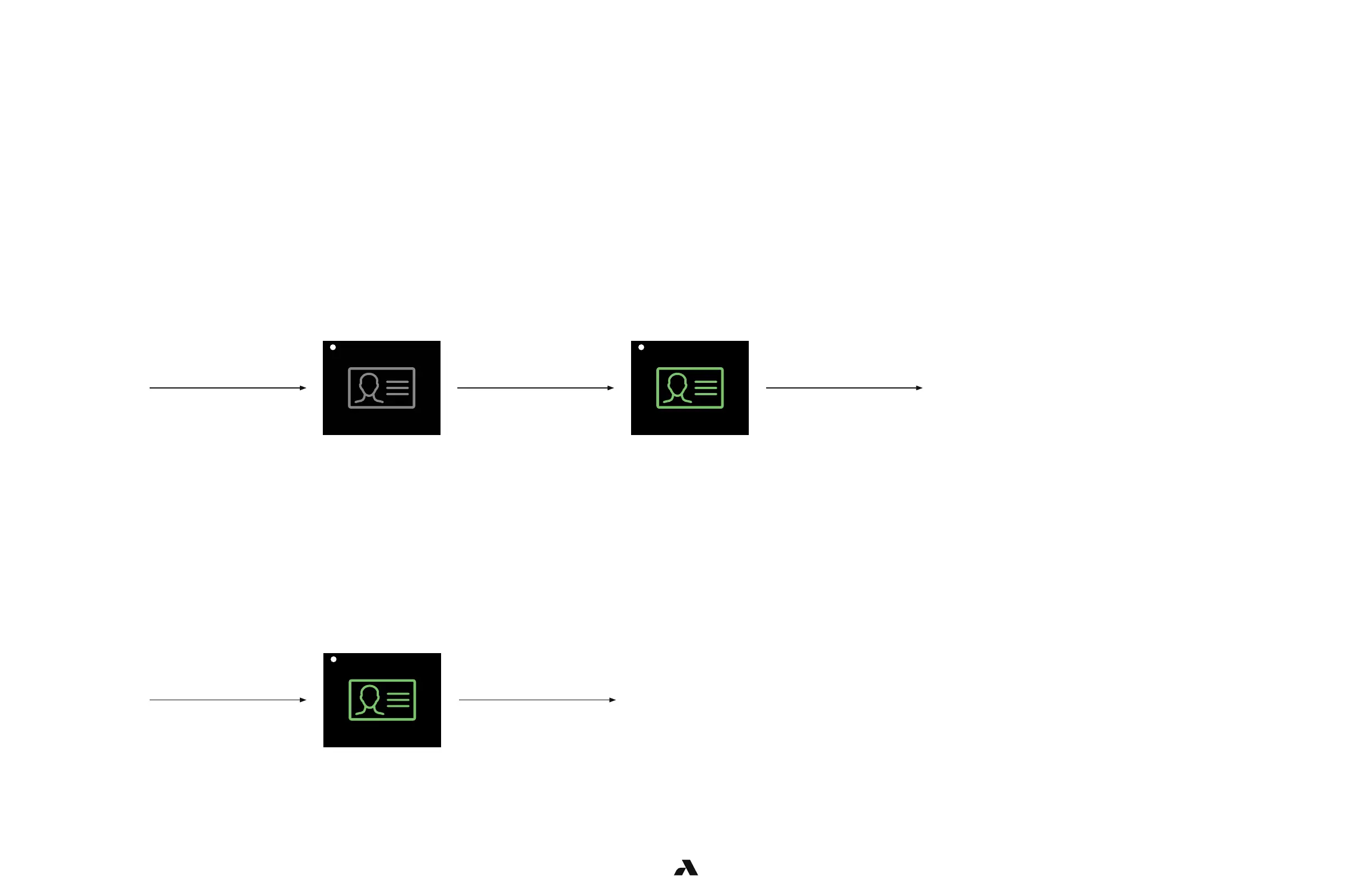
A user will be enrolled once they have presented their badge and face to the rock at minimum 4 times separated by 5 minutes apart.
Auto - Enrollment (perform minimum 4 times)
Authentication
User
approaches
the door
User is
granted entry
User swipes
a valid badge
A grey badge indicates
that user must present
their badge for entry
A green badge indicates
that the user presented
a valid badge
*LED is white *LED turns blue then green
User
approaches
the door
User is
granted entry
User authenticates,
icon turns green
User has been enrolled
and no longer requires a
badge for entry
*LED turns blue then green
NOTE: It is possible that additional enrollment step will need to be performed if sufficient
images are not captured. For example, not favorable images due to lighting conditions



 To Next Page