25Ver. 1.01
Step 3 – If the following two icons still persist in the status bar, the Rock cannot be onboarded and the
icons must be resolved.
Step 4 – Once the two icons in step 3 has been resolved, the Rock can be onboarded.
Proceed to onboarding.
■ The Rock cannot connect to the server. Review the pre-installation network requirements and check
ports.
■ There is a network connection problem. Check all network connections.
■ The info bar may display something similar to the following:
■ IP:0.0.0.0, SN:0.0.0.0, GW:0.0.0.0,
SRV:onboarding.alcatraz.ai(?)
The steps to configure the Rock network settings for cloud-hosted and on-premise are the same. However,
the specific network IP addresses used to generate the QR code for cloud-hosted and on-premise will
differ due to customer specific network information.
When the Rock powers up, the Rock attempts to set network configurations. The QR code generated in
the pre-installation requirements will be scanned by the Rock’s camera to set network IP addresses as
required. If the Rock is successful with setting the IP addresses and it is able to connect to the server,
the Rock can be onboarded.
The status and info bar are of main concern in this section.
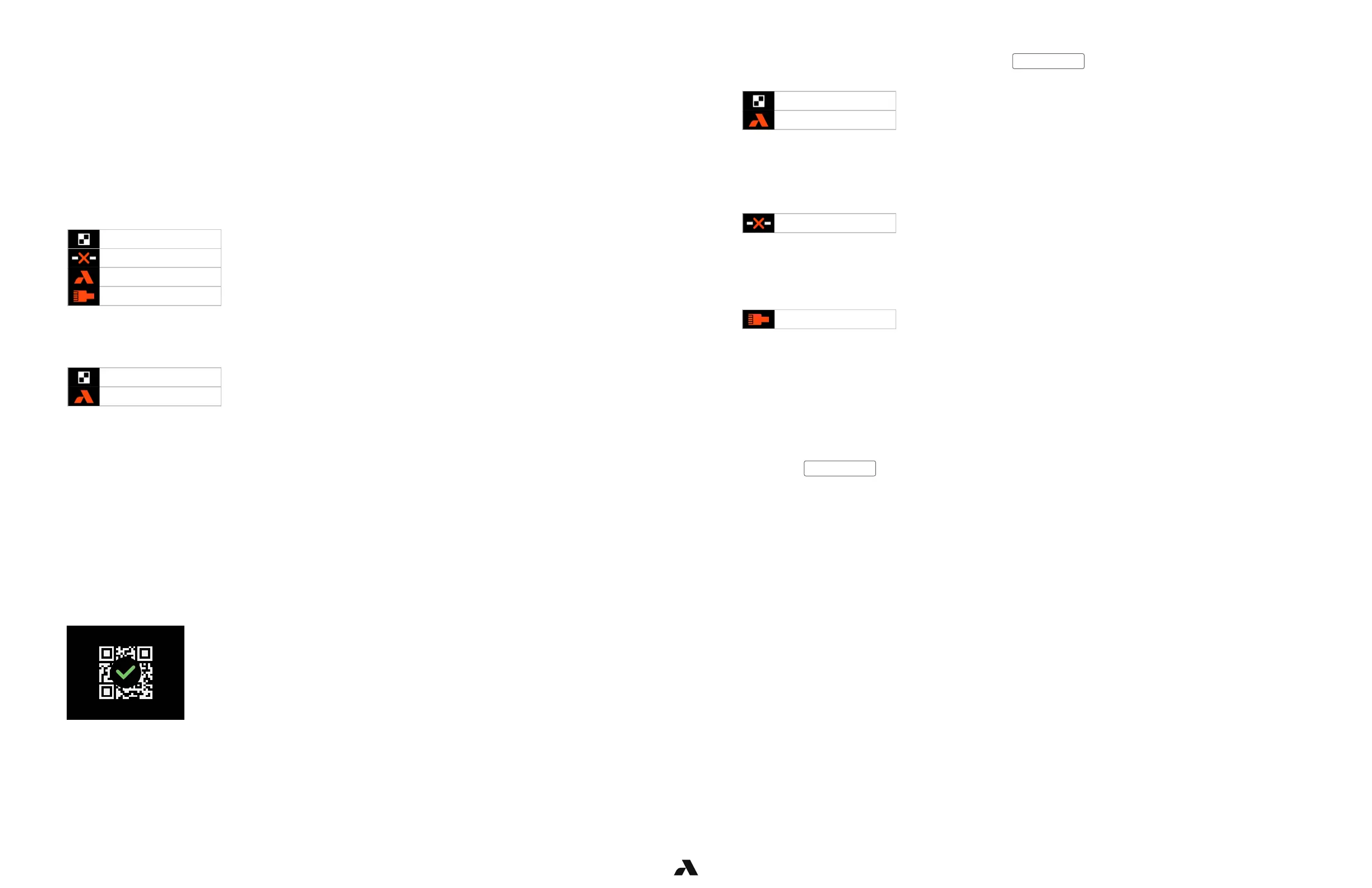
These are icons of interest and all or some may be seen in the status bar.
They must be resolved to the following two before the Rock can be onboarded in the Admin Portal.
The info bar will scroll IP address info. Example as follows
IP:10.0.0.102, SN:255.255.255.0, GW:10.0.0.1,
SRV:onboarding.alcatraz.ai(35.161.267.254)
■ IP is the Rock’s IP Address
■ SN is the Subnet Mask
■ GW is the Gateway Address
■ SRV is the Alcatraz Cloud Hosted Server
Step 1 – Present the QR Code to the Rock’s camera. When the Rock has scanned and accepted,
it will display the “Config Accepted” icon.
Step 2 – If the Rock status bar displays the following two icons and the info bar scrolls the correct IP
settings, the Rock can be onboarded. Proceed to onboarding.
QR Code Receptive
No Server Connection
Not On-boarded
No Network Connection
No Network Connection
No Server Connection
QR Code Receptive
Not On-boarded
QR Code Receptive
Not On-boarded



 To Next Page