www.aleratec.com
13
Using the HDD Copy Cruiser High-Speed WL
Main Menu
Compare
The “Compare” function performs a comparison of data from the source hard drive
to the data on the target hard drives.
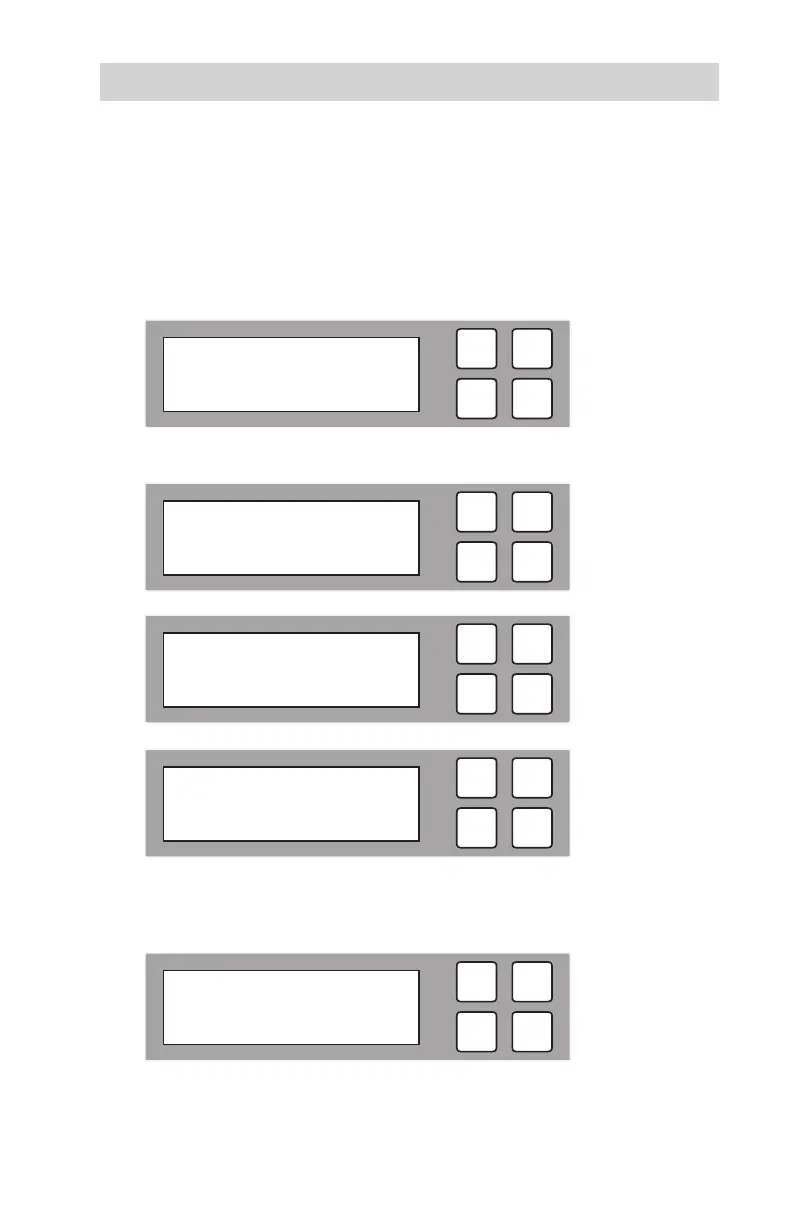
1. With the source and target HDDs loaded use the arrow buttons (or) to
select “Compare”. The following screen will be displayed.
2. Press OK to begin the comparison. The system will auto-detect the hard drives.
During the compare process, the HDD Copy Cruiser High-Speed WL will
display progress information. Press OK to continue.
ESC
OK
2014/10/07 09:50
2. Compare
ESC
OK
Compare
Searching Source
ESC
OK
Compare x 11 50.9 G
0:23 1% 937 M
ESC
OK
Analyzing Source
Partition #1 20%
ESC
OK
Compare 50.9G
11 Ready



 To Next Page