www.aleratec.com
19
Using the HDD Copy Cruiser High-Speed WL
B.FullOverwrite-Continued
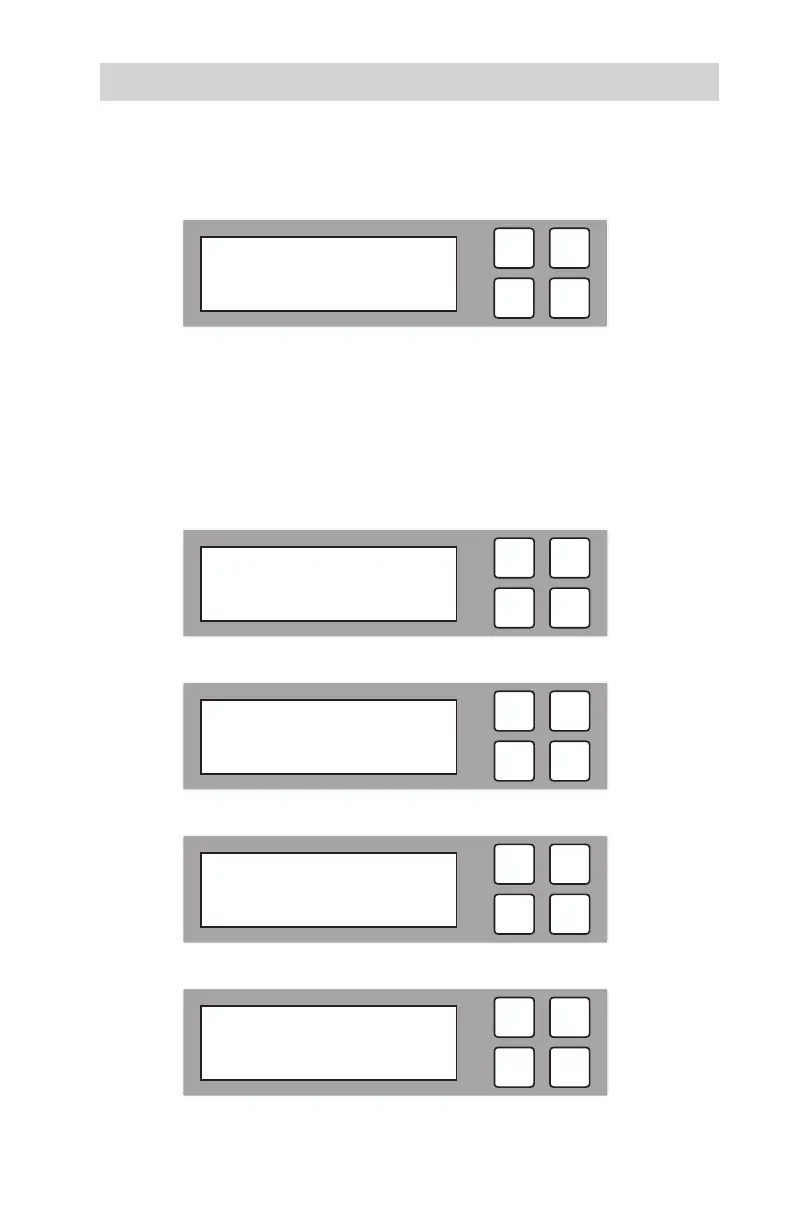
B4. When the process is nished, the following screen will be shown.
Main Menu
Overwrite
C.3-Pass
C1.
To perform a 3-Pass Overwrite, scroll to “3-Pass” and press OK. The
following screen will be displayed.
C2. The loading pattern process for the 3-Pass Overwrite will be displayed.
C3. The estimated time elapsed for the 3-Pass Overwrite process will be displayed.
C4. When the process is nished, the following screen will be shown.
ESC
OK
[ 4. Overwrite ]
3. 3-Pass Overwrite
ESC
OK
3-Pass Overwrite
Loading Pattern
ESC
OK
3-Pass Overwrite
13:30
ESC
OK
Full Overwrite
Pass: 11 Fail: 0
ESC
OK
3-Pass Overwrite
Pass: 11 Fail: 0



 To Next Page