www.aleratec.com
23
Using the HDD Copy Cruiser High-Speed WL
Main Menu
Utility - Show HDD Info
This function will display information about the hard drives inserted into the unit.
You may use the arrow buttons to select hard drives loaded into different bays.
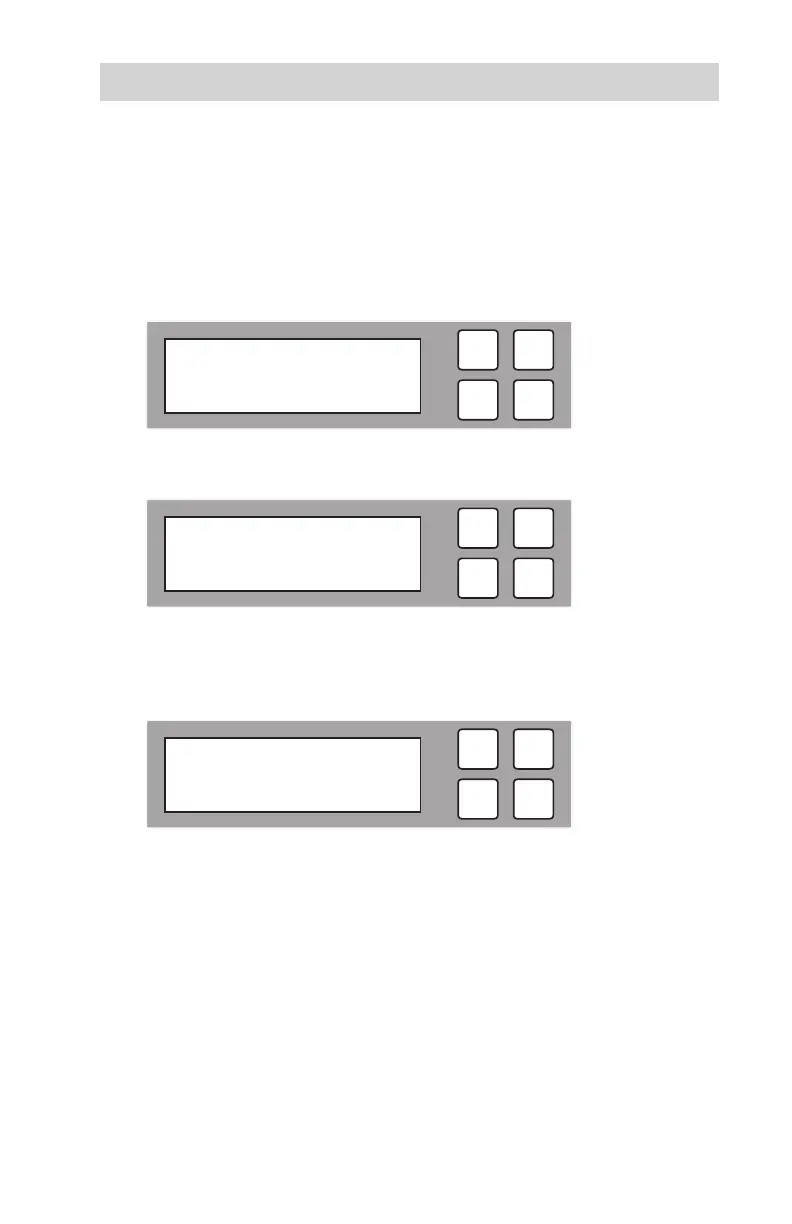
1. With the source and target HDDs loaded use the arrow buttons (or) to
select “Utility”. The following screen will be displayed.
2. Press OK to select. The following information will be displayed.
3. To display the information about the hard drives in the duplicator, select “Show
HDD Info” and press OK. The following information will be displayed. Use
the arrow buttons to scroll up and down to view other hard drives.
ESC
OK
2014/10/07 09:50
5. Utility
ESC
OK
[ 5. Utility ]
1. Show Disk Info
ESC
OK
[ 01 ] 232G
D 2500



 To Next Page