www.aleratec.com
24
Using the HDD Copy Cruiser High-Speed WL
Main Menu
Utility - Update System
Before attempting to use this feature, please contact Aleratec Support.
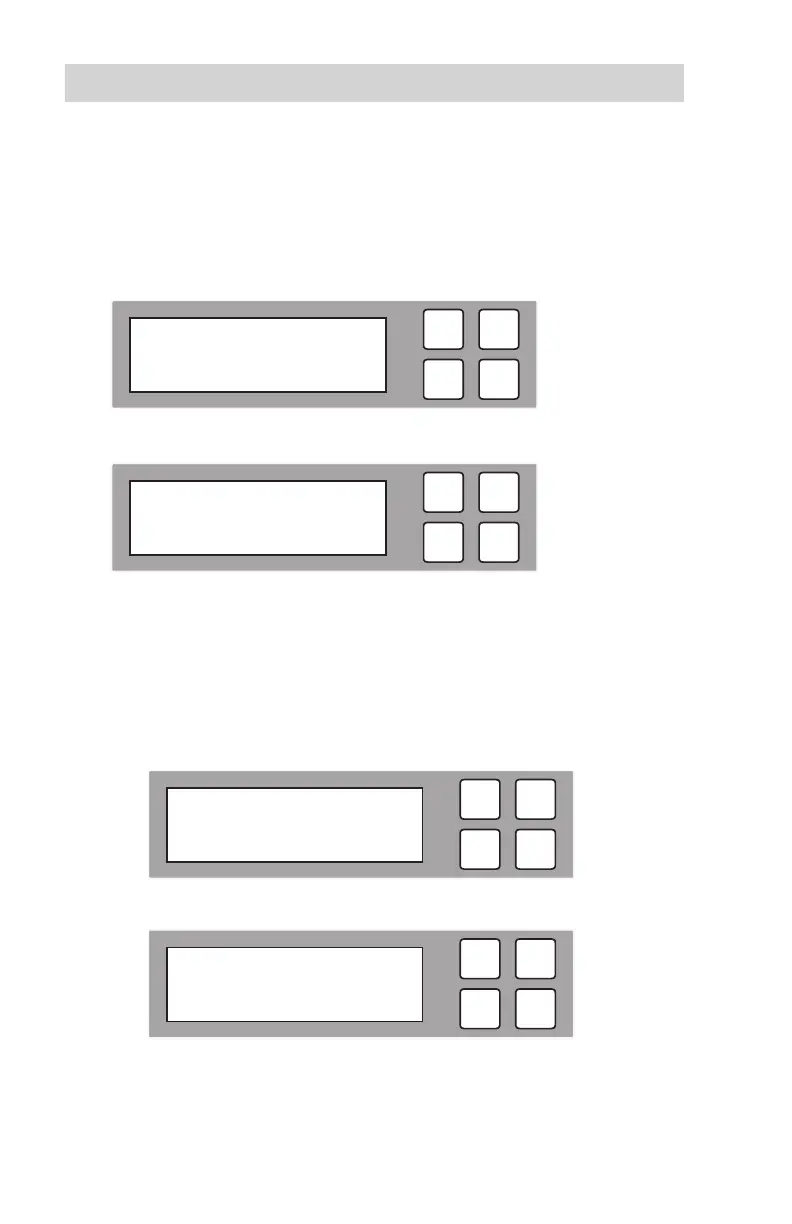
1. Use the arrow buttons (or) to select “Utility”. The following screen will be
displayed.
2. Press OK to select. The following information will be displayed.
3. Use the arrow buttons to scroll between the types of utilities: Update BIOS and
Create Update HDD.
A.UpdateBIOS
Before attempting to use this feature, please contact Aleratec Support.
A1. To perform a BIOS update, select “Update BIOS” and press OK.
A2. The following information will be displayed.
ESC
OK
Searching BIOS
ESC
OK
2014/10/07 09:50
5. Utility
ESC
OK
[ 5. Utility ]
2. Update System
ESC
OK
[ Update System ]
1. Update BIOS



 To Next Page