www.aleratec.com
22
Using the HDD Copy Cruiser High-Speed WL
Main Menu
Overwrite
F.SecureErase
The “Secure Erase” function will sanitize (wipe clean of all data) the hard disk
drives connected to the HDD Copy Cruiser High-Speed WL using algorithms pro-
grammed by the hard drive manufacturer. Since this function is native to the hard
drive, it is very fast and reliable. Almost all modern SATA hard drives support this
feature. In the rare case that Secure Erase is not supported, please use the “Over-
write” function to sanitize your hard drives.
F1.
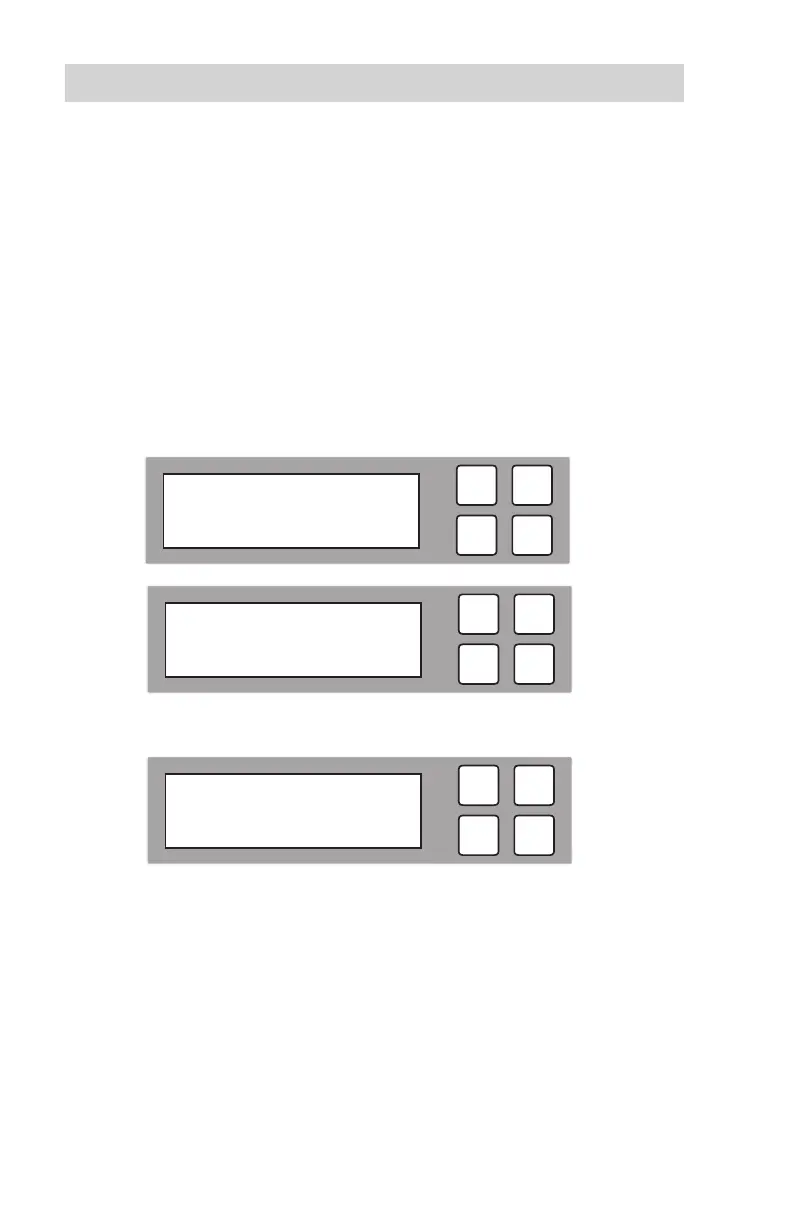
To perform a Secure Erase, scroll to “Secure Erase” and press OK.
The
estimated time elapsed for the
Secure Erase
process will be displayed.
F2. When the process is nished, the following screen will be shown.
Note: Not all hard disk drives support Secure Erase, although most modern
SATA HDDs do. If any of your drives do not support Secure Erase, you will
see a “Dev. Not Support” error message.
ESC
OK
[ 4. Overwrite ]
6. Secure Erase
ESC
OK
Secure Erase
13:30
ESC
OK
Secure Erase
Pass: 11 Fail: 0



 To Next Page