www.aleratec.com
44
Using the Aleratec HDD Duplicator Logging Software
Please read this Software User Guide thoroughly before using this product.
Getting Started
1. Connect your HDD Copy Cruiser High-Speed WL to your computer using the
supplied USB cable.
2. Turn on the HDD Copy Cruiser High-Speed WL.
3. Load the Aleratec installation and user guide CD into the DVD/CD Rom drive
in your PC. Double click on Aleratec Logging and Monitoring Software from
the menu and follow on-screen prompts to install the application.
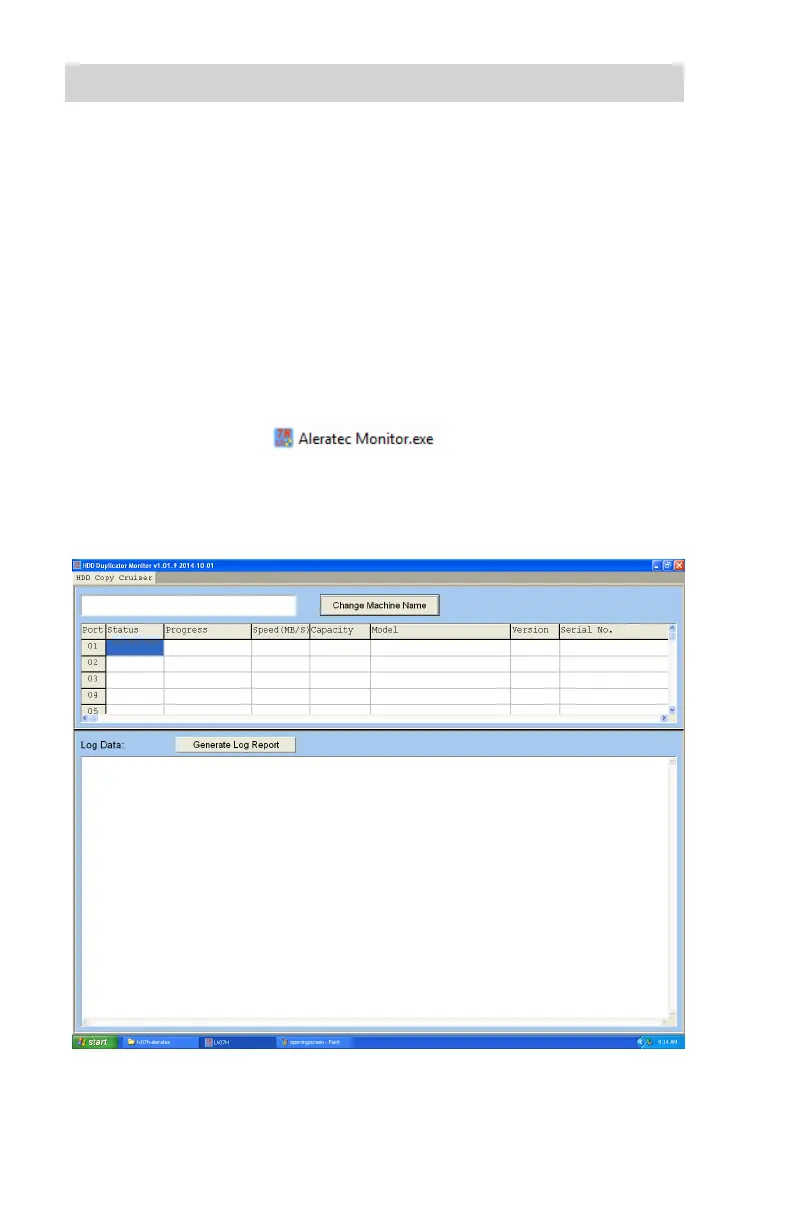
4. Open the Aleratec Monitoring Software by double-clicking the Aleratec
Logging icon either on your desktop or start menu.
5. The main screen of the software is divided into two sections. The empty chart
displays the current ongoing process. The Log Data section displays the
history of all processes.



 To Next Page