www.aleratec.com
17
Using the HDD Copy Cruiser High-Speed WL
Main Menu
Overwrite
The “Overwrite” function will sanitize (wipe clean of all data) the hard disk drives
connected to the HDD Copy Cruiser High-Speed WL.
1. Load up to 11 HDDs into the HDD Copy Cruiser High-Speed WL. The system
will auto-detect the hard drives. Using the arrow buttons (or) select
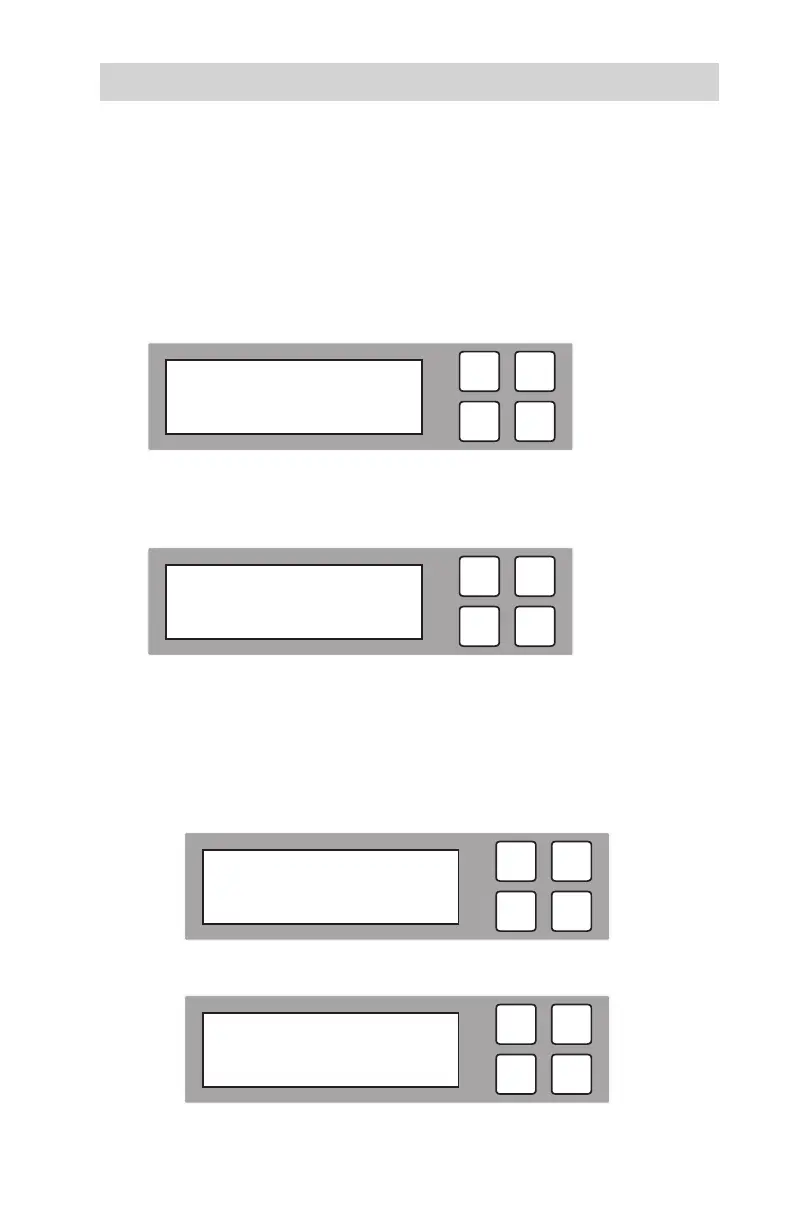
“Overwrite”. The following screen will be displayed.
Note: Overwriting the entire capacity of all connected hard drives can take an
extended period of time.
2. Press OK to select. The following information will be displayed.
3. Use the arrow buttons to scroll between the types of overwrite: Quick
Overwrite, Full Overwrite, 3 Pass, 3 Pass with Verify,
7-Pass Overwrite, or Security Erase.
A.QuickOverwrite
A1. To perform a Quick Overwrite, select “Quick Overwrite” and press OK.
A2. The loading pattern process for the Quick Overwrite will be displayed.
ESC
OK
2014/10/07 09:50
4. Overwrite
ESC
OK
[ 4. Overwrite ]
1. Quick Overwrite
ESC
OK
[ 4. Overwrite ]
1. Quick Overwrite
ESC
OK
Quick Overwrite
Loading Pattern



 To Next Page