www.aleratec.com
16
Using the HDD Copy Cruiser High-Speed WL
Main Menu
Copy+Compare - Continued
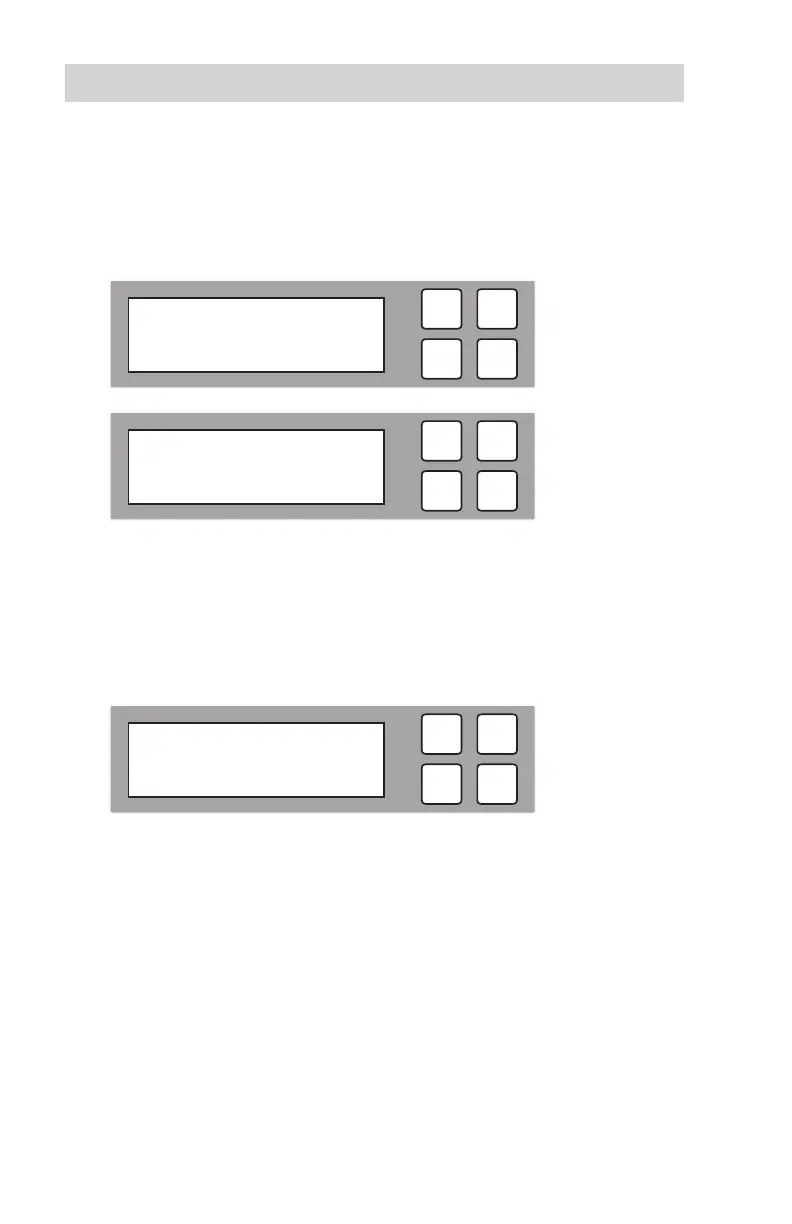
3. During the copy process the HDD Copy Cruiser High-Speed WL will display
progress information.
The amount of data remaining to be transferred (shown in gigabytes), and time
will be displayed as the percentage of completion increases.
Note: The copying speed, capacity and duration may vary from one source
hard drive to another.
4. Once duplication is complete, a job status screen will be displayed.
ESC
OK
Pass: 11 Fail: 0
Time: 20:18
ESC
OK
Copy x 11 50.9 G
7:35 26% 13.5 G
ESC
OK
Compare x 11 50.9 G
0:23 1% 937 M



 To Next Page