www.aleratec.com
26
Using the HDD Copy Cruiser High-Speed WL
Main Menu
Utility - System Info
This function will help you give more technical information sometimes required by
technical support.
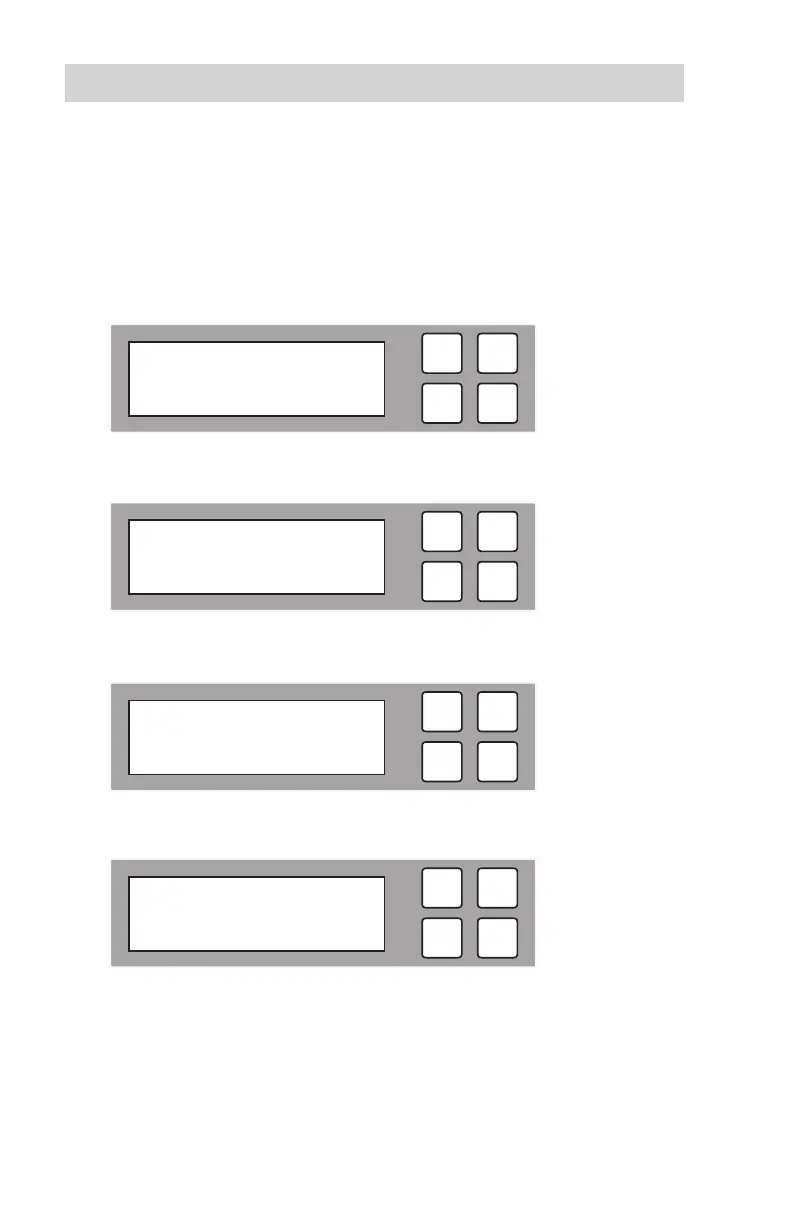
1. Use the arrow buttons (or) to select “Utility”. The following screen will be
displayed.
2. Press OK to select. The following information will be displayed.
3. Use the arrow buttons (or) to select “System Info” and press OK.
4. The following information will be displayed.
ESC
OK
2014/10/07 09:50
5. Utility
ESC
OK
[ 5. Utility ]
5.1 Show HDD Info
ESC
OK
[ 5. Utility ]
3. System Info
ESC
OK
Aleratec 1-11
Ver: 2.33.4



 To Next Page