www.aleratec.com
25
Using the HDD Copy Cruiser High-Speed WL
Main Menu
Utility - Update System
B.CreateUpdateHDD
For technical support use only.
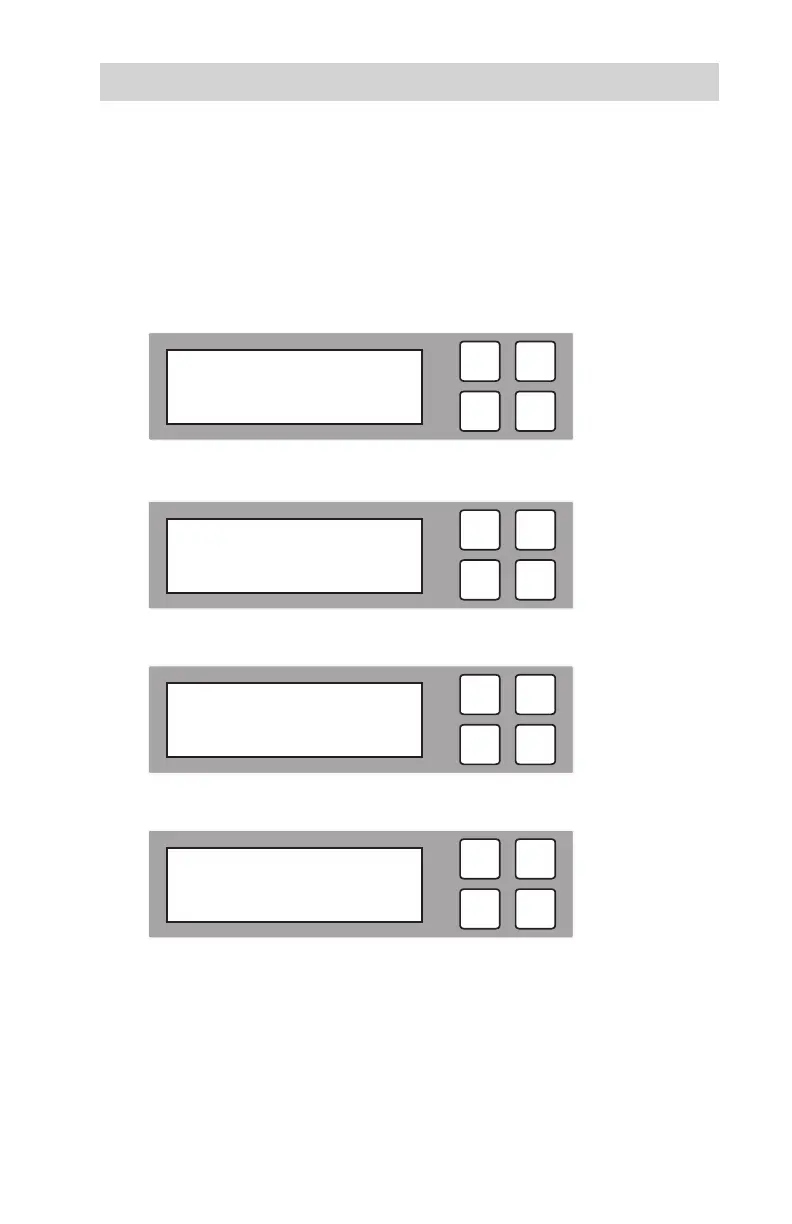
B1. To create an Update HDD, select “Create Update HDD” and press OK.
B2. The following information will be displayed. Press OKto conrm.
B3. The following information will be displayed.
B4. The formatting is now complete.
ESC
OK
[ Update System ]
2. Create Update HDD
ESC
OK
Do FORMAT HDD#1
Conrm?
ESC
OK
Format HDD
ESC
OK
FORMAT Complete!



 To Next Page