www.aleratec.com
43
Using the HDD Copy Cruiser High-Speed WL
Main Menu
Log Manager - Advanced Function
B.SetupPassword
This function will allow you to set a new password.
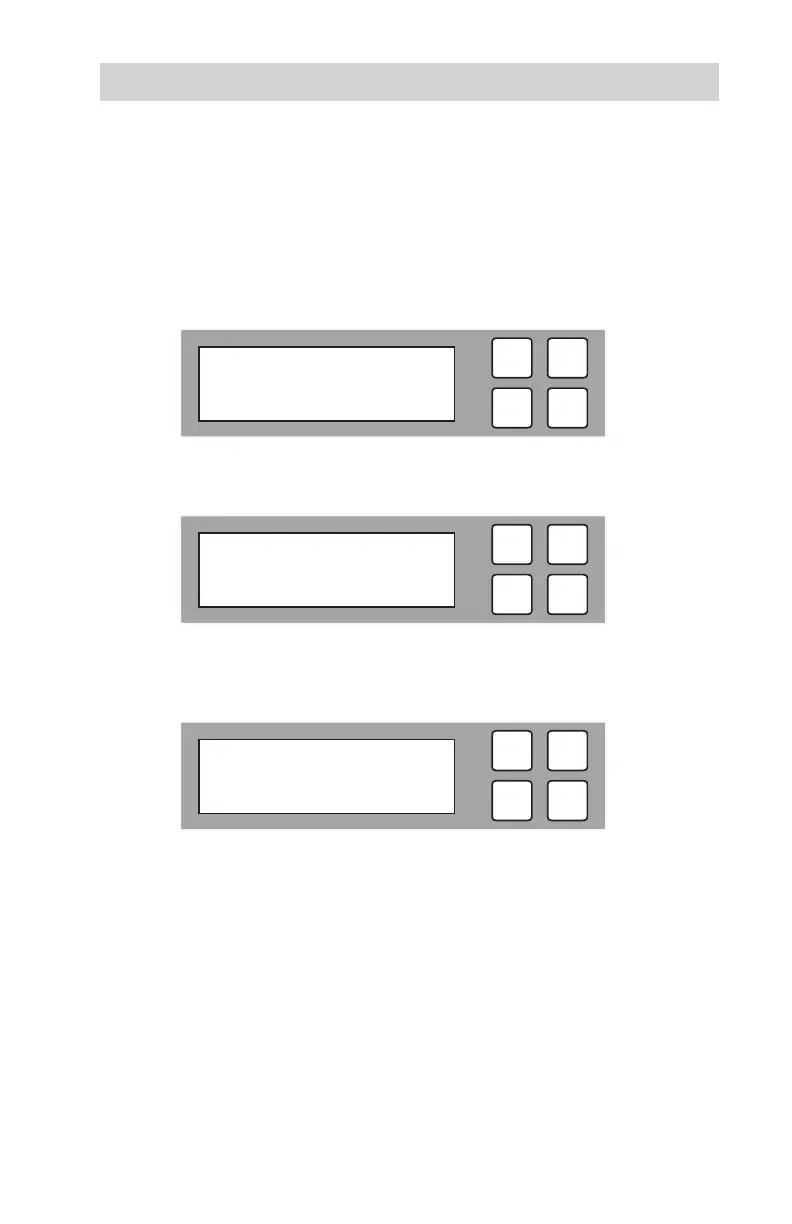
B1. After entering your password, the following screen will be displayed.
B2.
To setup a new password, scroll to “Setup Password”. The following screen
will be displayed.
B3. Press OK to enter a new password. Select characters by pressing the arrow
buttons (or). Press to scroll through numbers rst. Press to
scroll through letters rst. Press OK to move to the next character.
B4. Once you are nished entering your new password, press OK to save.
ESC
OK
Enter Password
=> _
ESC
OK
[ Advanced Setup ]
1. Wait HDD Time
ESC
OK
[ Advanced Setup ]
2. Setup Password



 To Next Page