www.aleratec.com
35
Using the HDD Copy Cruiser High-Speed WL
Main Menu
Setup - Stop Motor Time
This function will allow you to view and set the stop motor time.
1. In the Setup menu, use the arrow buttons (or) to select “Stop Motor Time”.
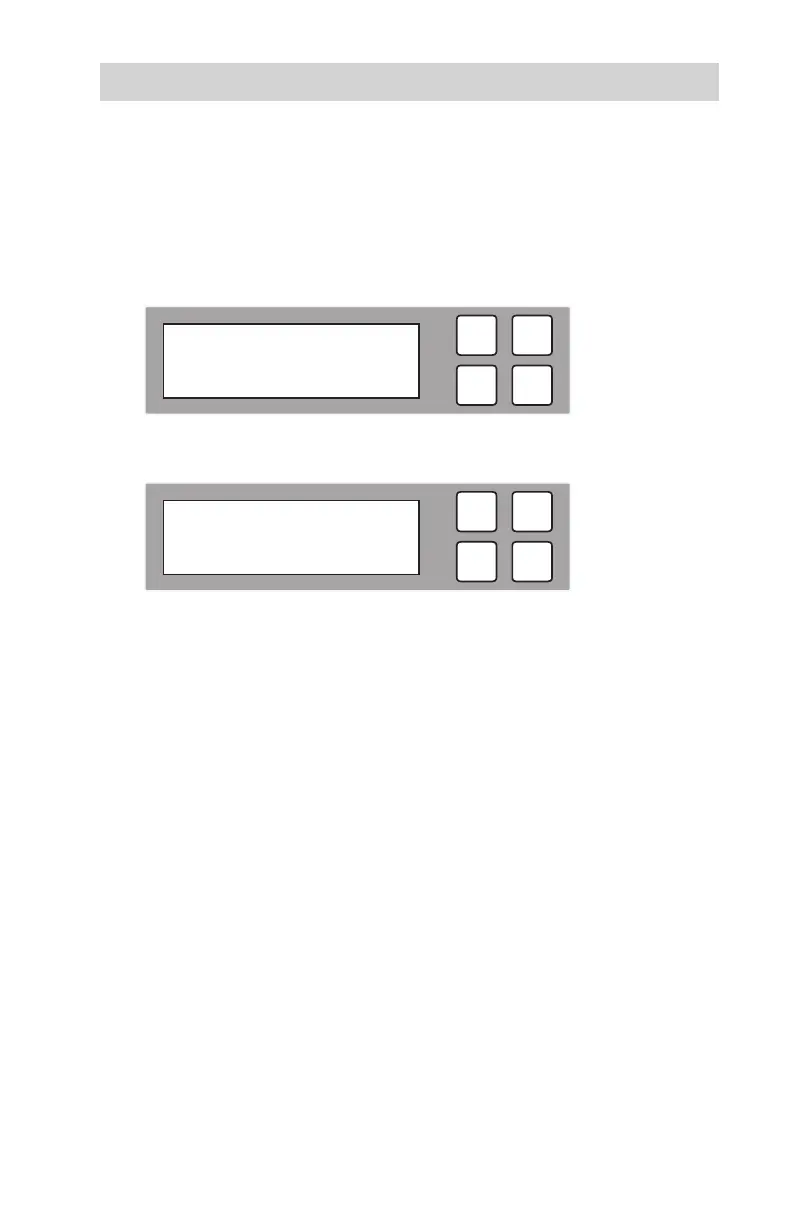
The following screen will be displayed.
2. Press OK to select. The following information will be displayed.
3. Use the arrow buttons () to toggle through the available options. Once you
change a conguration option, remember to press OK to save it.
ESC
OK
[ 6. Setup ]
8. Stop Motor Time
ESC
OK
[ Stop Motor Time ]
5 seconds



 To Next Page