www.aleratec.com
38
Using the HDD Copy Cruiser High-Speed WL
Main Menu
Setup - Advanced Setup
B.CopyHPAarea
The HPA is a hidden data region dened in ATA/ATAPI-4. This area is not usually
accessible to the operating system or software applications. The HDD Copy Cruiser
High-Speed WL supports the copying of data from this hidden area.
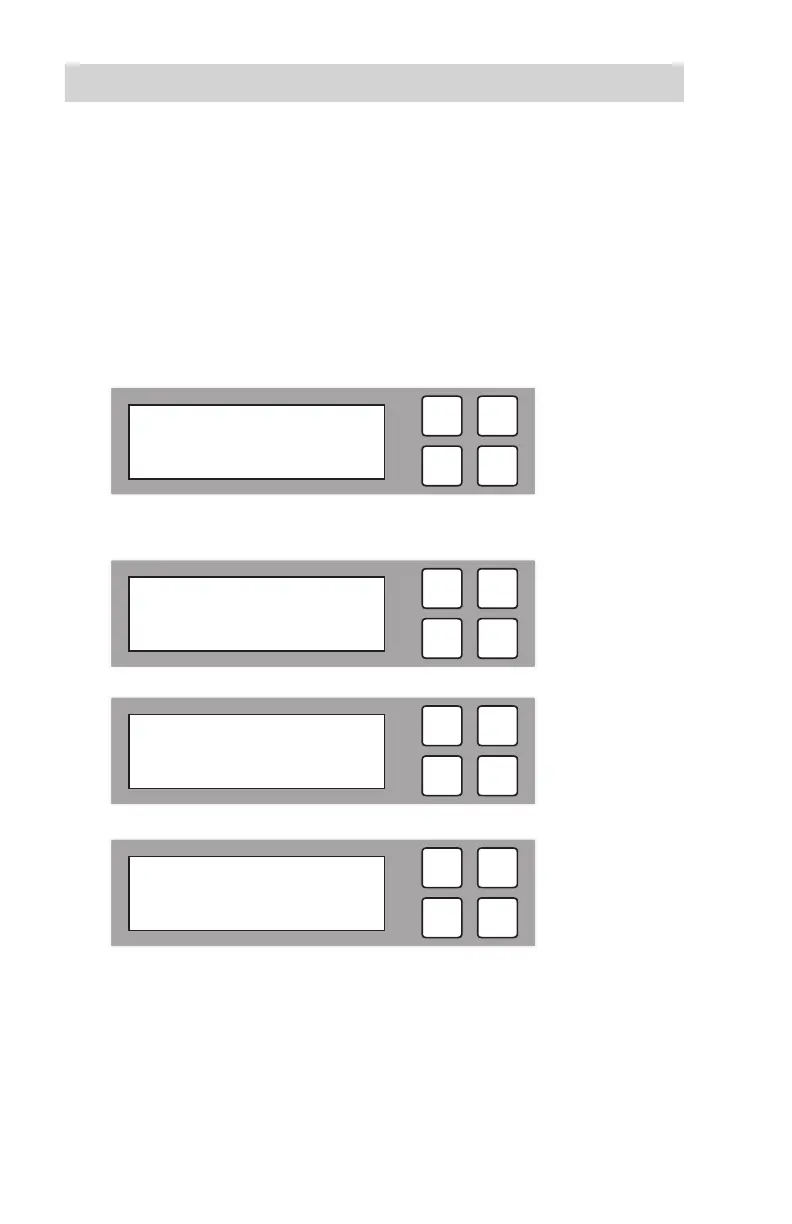
B1. To edit the Copy HPA area function, select “Copy HPA area” and press
OK.
B2. The following options will be displayed.
B3. Press OK to select your perfered option. After changing a setting,
remember to press OK to save it.
ESC
OK
[ Advanced Setup ]
2. Copy HPA area
ESC
OK
[ Copy HPA Area ]
No
ESC
OK
[ Copy HPA Area ]
Setting HPA
ESC
OK
[ Copy HPA Area ]
Copy and Settings



 To Next Page