© Honeywell LT-MS4IOG Rev. 04 | Revised October 2015
23
INSTALLATION & OPERATIONS GUIDE | MICROSET 4
M3—Office, No Fan, Occupied, ON/OFF
Set BV-64 and BV-65 ON and BV-80 and BV-81 OFF. When the unit is displaying the Across the Room
View, the occupant can press anywhere on the screen to display the ON/OFF screen. Once at the
Temperature screen, the occupant can press the
UP/DOWN arrows to turn the operation of the HVAC
system ON or OFF.
In the ON condition, the Across the Room View will display the occupant-selected space temperature
setpoint or the room temperature. The unit controls HVAC equipment to maintain space temperature
within occupied setpoints.
In the OFF condition, the Across the Room View will display the word OFF. The unit controls HVAC
equipment to maintain space temperature within unoccupied setpoints.
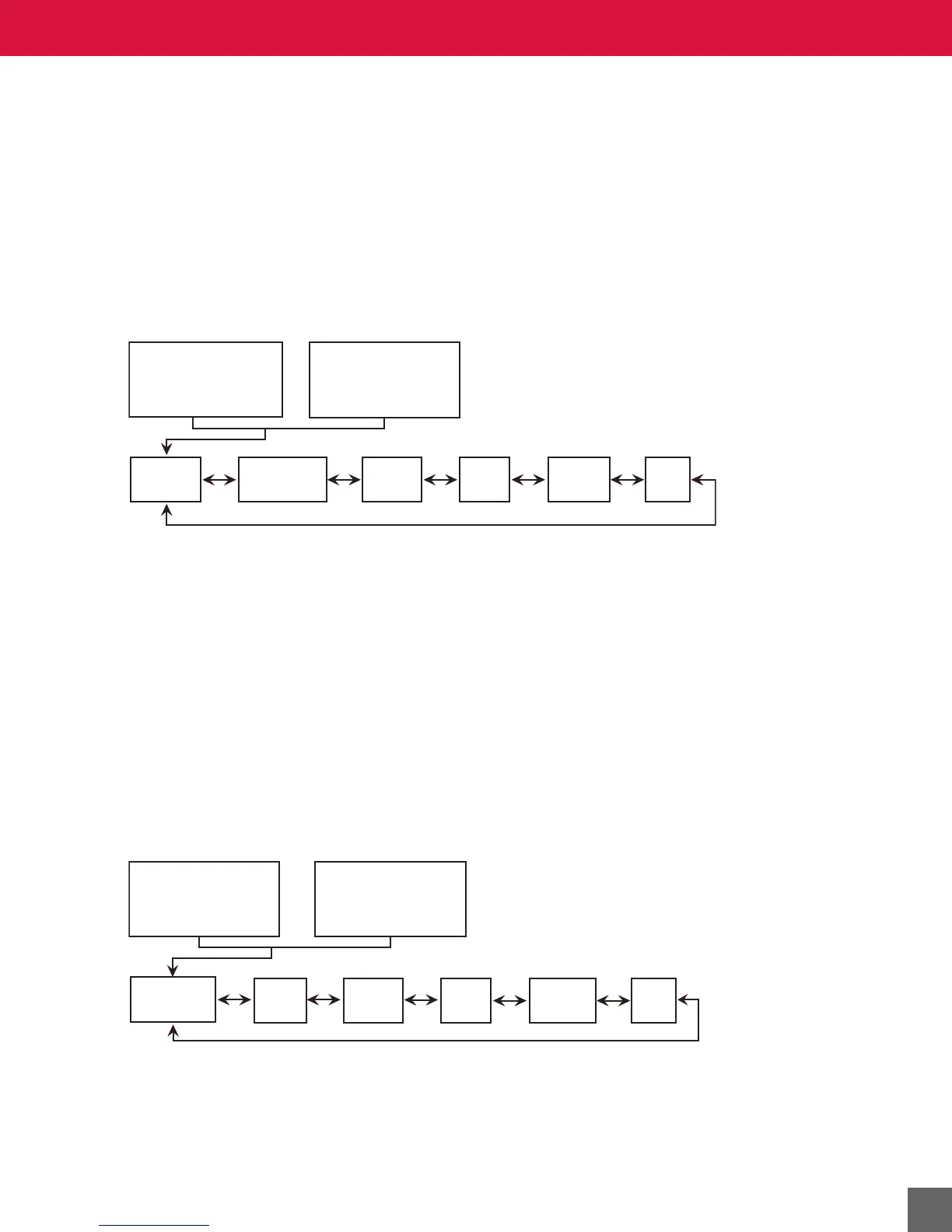
Figure 14 M3 screen flow sequence.
M4—Office, Fan, Occupied
Set BVs 64 and 80 ON and BV-81 OFF. Operation depends on whether the fan is running or stopped. If
the fan is running, the screen in the Across the Room View shows the value of occupant-selected space
temperature setpoint (AV-90) or the room temperature (AV-101) alternating with the current time of day
(if enabled). When the unit is displaying the Across the Room View, the occupant can press anywhere
on the screen to display the Temperature screen, on which the occupant-selected space temperature
setpoint can be adjusted. The unit controls HVAC equipment to maintain space temperature within the
occupied setpoints.
If the fan speed is set to Auto, the Across the Room View is a blank screen and the temperature screen
does not allow adjustment of the space temperature setpoint. The unit controls HVAC equipment to
maintain space temperature within the unoccupied setpoints.
This mode’s counterpart is M5, which is activated by setting BV-64 OFF.
Figure 15 M4 screen flow sequence.
Across the Room View
“Default Occupied”
Across the Room View
OFF
ON/OFF
Air
Quality
Windows
Lights
Humidity
Temperature
Temperature
Across the Room View
“Default Occupied”
Fan
Air
Quality
Windows
Lights
Humidity
Across the Room View
“Unoccupied”



 To Next Page