© Honeywell LT-MS4IOG Rev. 04 | Revised October 2015
39
INSTALLATION & OPERATIONS GUIDE | MICROSET 4
To start Field Service mode
1. Enter Service mode.
2. Press the F
IELD SERVICE button on the screen.
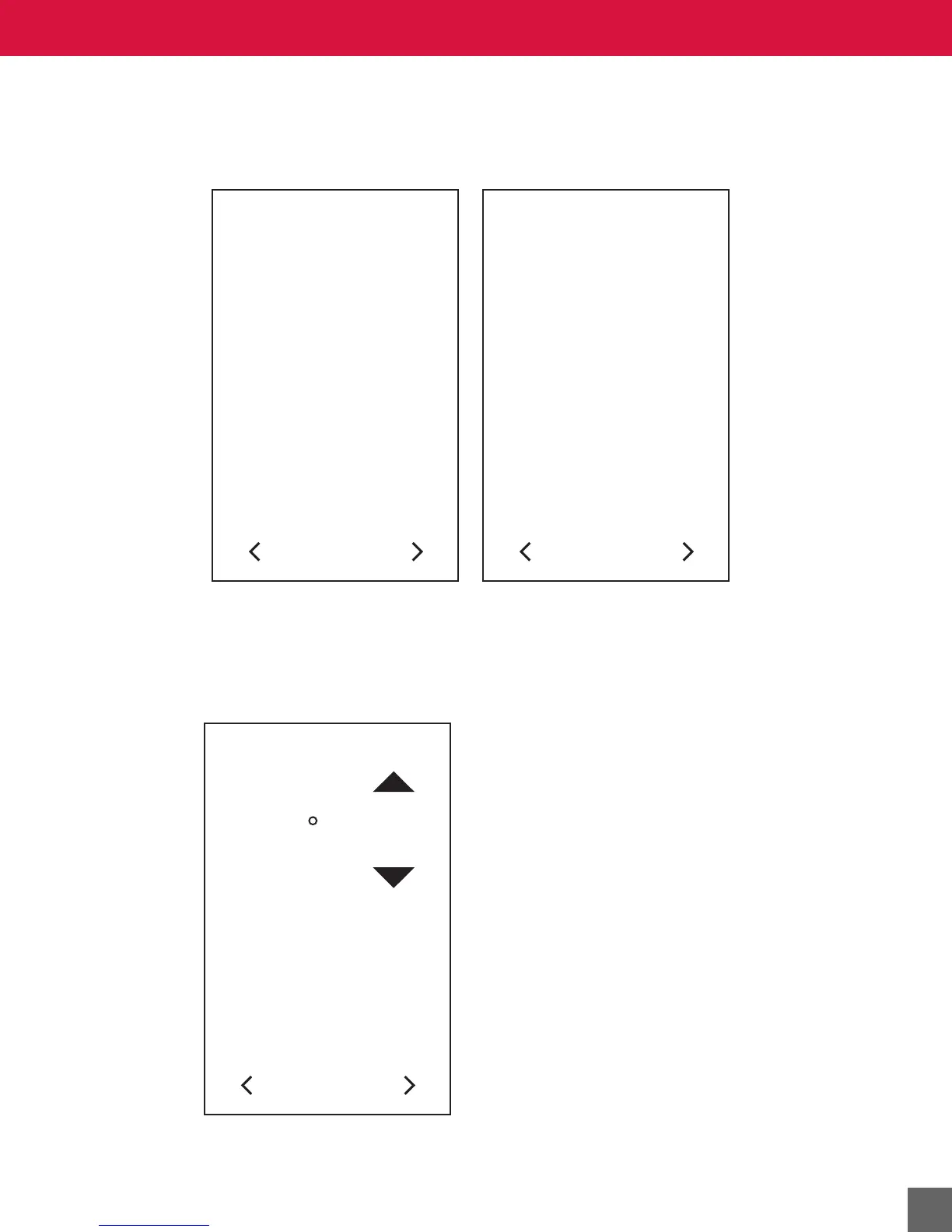
Figure 24 Field Service Mode Information screen (MS4-TH-MSTP model, left; MS4-TH model, right).
To adjust variable settings in Field Service mode
1. Press the
LEFT/RIGHT navigation arrow until the variable you want to adjust appears. See
Figure 26 for Field Service Mode screen flow sequence for MS4-TH, -THC, and -NL; see
Figure 27 for Field Service Mode screen flow sequence for MS4-TH-MSTP.
Figure 25 Field Service Mode High Limit Setpoint screen.
2. Press the UP/DOWN arrow on the screen to adjust the setting.
INFORMATION
11:30AM
MODEL: MS4-TH-MSTP
ROC: 1.00 BLD 18
BOOT: RL 1.00 BLD 2
SN: 250000001022
MAC: 001
DEV: 0242201
STATUS: 76.8 KBS OK
INFORMATION
11:30AM
MODEL: MS4-TH
ROC: 1.00 BLD 18
BOOT: RL 1.00 BLD 2
SN: 250000001022
FIELD SERVICE
HIGH LIMIT SETPOINT
80
F



 To Next Page