INSTALLATION & OPERATIONS GUIDE | MICROSET 4
© Honeywell LT-MS4IOG Rev. 04 | Revised October 2015
40
3. Press the LEFT/RIGHT navigation arrow to accept your change and scroll to a different
variable.
To exit Field Service mode
• Press the
LEFT and RIGHT navigation arrows simultaneously to return to the Service Mode Menu,
then (if desired) the
EXIT button to return to normal operation.
• After 45 minutes of inactivity, Service mode will exit automatically.
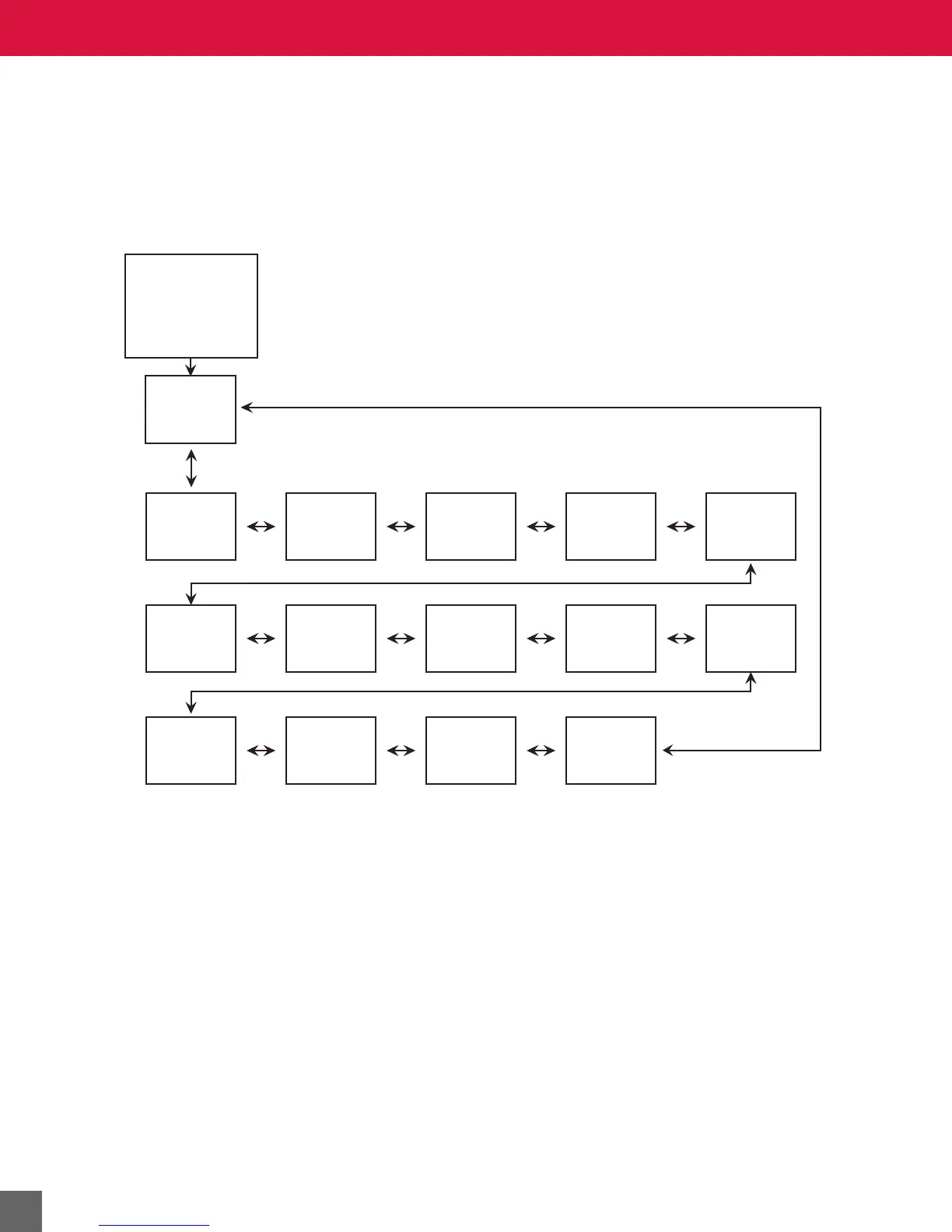
Figure 26 Field Service Mode screen flow sequence for MS4-TH, -THC, and -NL.
Information
Occupied
Setpoint
Occupied
Setpoint
High Limit
Occupied
Setpoint
Low Limit
Current
Cooling
Setpoint
Current
Heating
Setpoint
Unoccupied
Cooling
Setpoint
Unoccupied
Heating
Setpoint
Cooling
Offset
Heating
Offset
Override
Limit
Cooling Duct
Diameter
Heating Duct
Diameter
Cold
Airflow
Hot
Airflow
Service Mode
Menu Screen
-
Field Service
Selected



 To Next Page