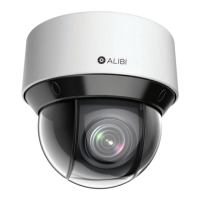
9ALI-NS8014VR IP PTZ Camera Installation and Setup Guide
SECTION 2: INSTALLATION
2.2 Install a microSD card in the camera
The microSD card (not provided) stores log information, video and capture les locally. Cameras without an SD card do not capture
and retain this information, which can be valuable for maintenance purposes. The microSD card slot is located inside the dome cover
on the back of the PTZ camera module. To access the card slot:
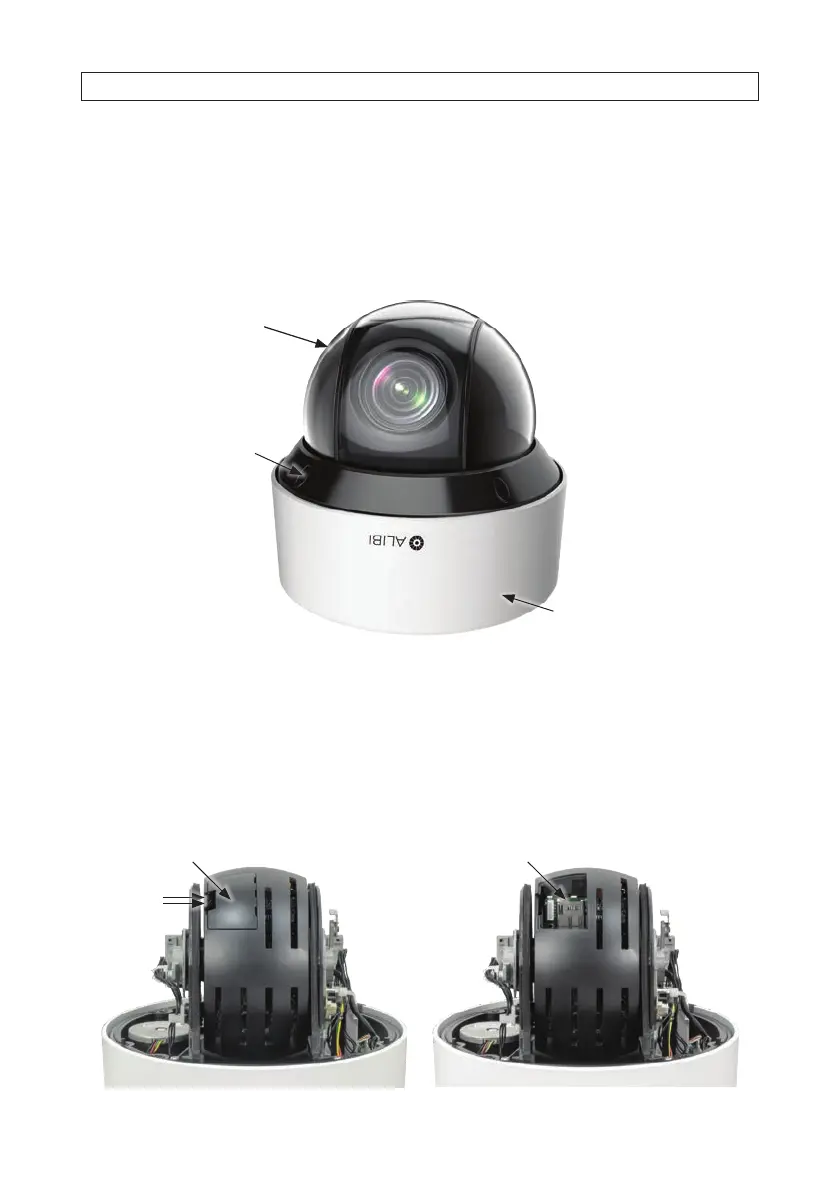
1. Set the camera on a clean surface base down as shown below.
Dome cover
Base assembly
Dome screw
cover (4)
2. Remove the four camera dome screw foam covers.
3. Use the security L-wrench provided to loosen the four captive screws that secure the cover to the base assembly.
4. Carefully lift the cover o the camera body, and set it aside. Note that a strap attaches the cover to the rest of the camera
assembly. Use extreme care to not scratch or soil the dome.
5. Find the maintenance access cover on the back of the camera (see below). Push the release tab right to remove the card.
microSD card slotMaintenance access cover
Push
release
tab





 To Next Page