28
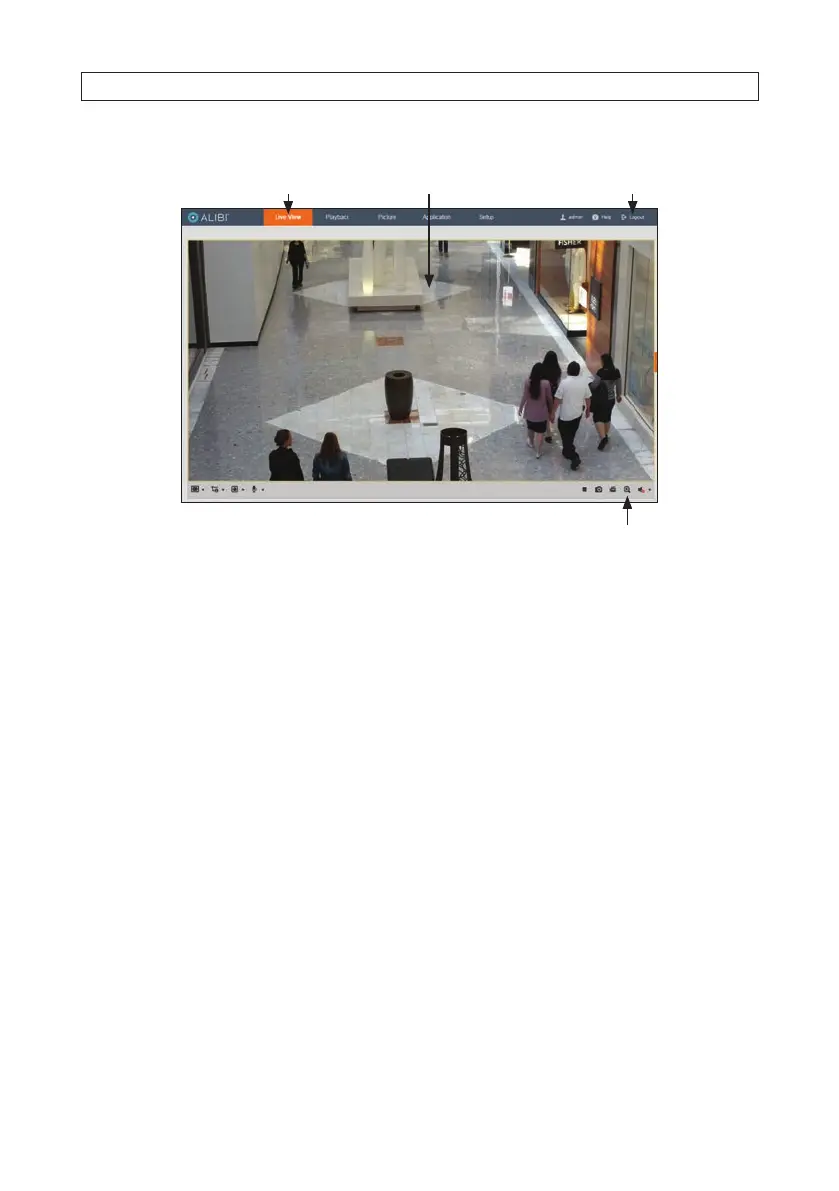
The Live View screen with the camera video image should appear.
Capture, Record, Zoom icons
Screen select tabs Logout buttonLive View image
4.2 Additional conguration steps
Refer to the document ALIBI™ IP Camera Software User Manual provided at at www.alibisecurity.com/resource to
customize the conguration of your camera.
4.3 PTZ Preset usage
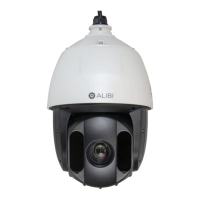
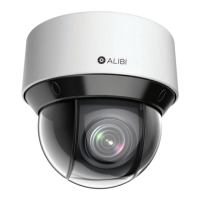
The ALI-NS8014VR camera includes several Preset functions that can be executed when accessing the camera from an NVR, either
remotely or through the recorder console. Presets command the PTZ camera to move to a programmable position, or to perform a
specic function.
Presets can be used to compose Patrols and Patterns, programs of automated camera movement used mostly to scan the eld of
view. Execution of these Patrols and Patterns functions can be initiated easily by assigning them to a Preset. Refer to AlibiSecurity.
com/resources for documentation on using the rmware in your camera and recorder for using Presets, Patrols and Patterns.
The ALI-NS8014VR camera includes both xed Presets, those which are pre-programmed in the rmware, and Presets you can
assign functions to. Presets pre-programmed into the ALI-NS8014 camera are shown in the following table and should not be
changed. For all other Presets. You can easily “Set”, or program them, and then “Call” them into execution.
SECTION 4: REMOTE LOGIN




 To Next Page