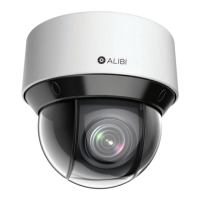
25ALI-NS8014VR IP PTZ Camera Installation and Setup Guide
SECTION 4
Remote login
4.1 Login to the camera
NOTE: If the camera LAN extension cable is attached to a Network Video Recorder (NVR), skip this step.
Microsoft® IE is used to access your camera remotely. IE must run as an Administrator to use all features available through a remote
login to the camera.
Setting MS Internet Explorer to run as an Administrator
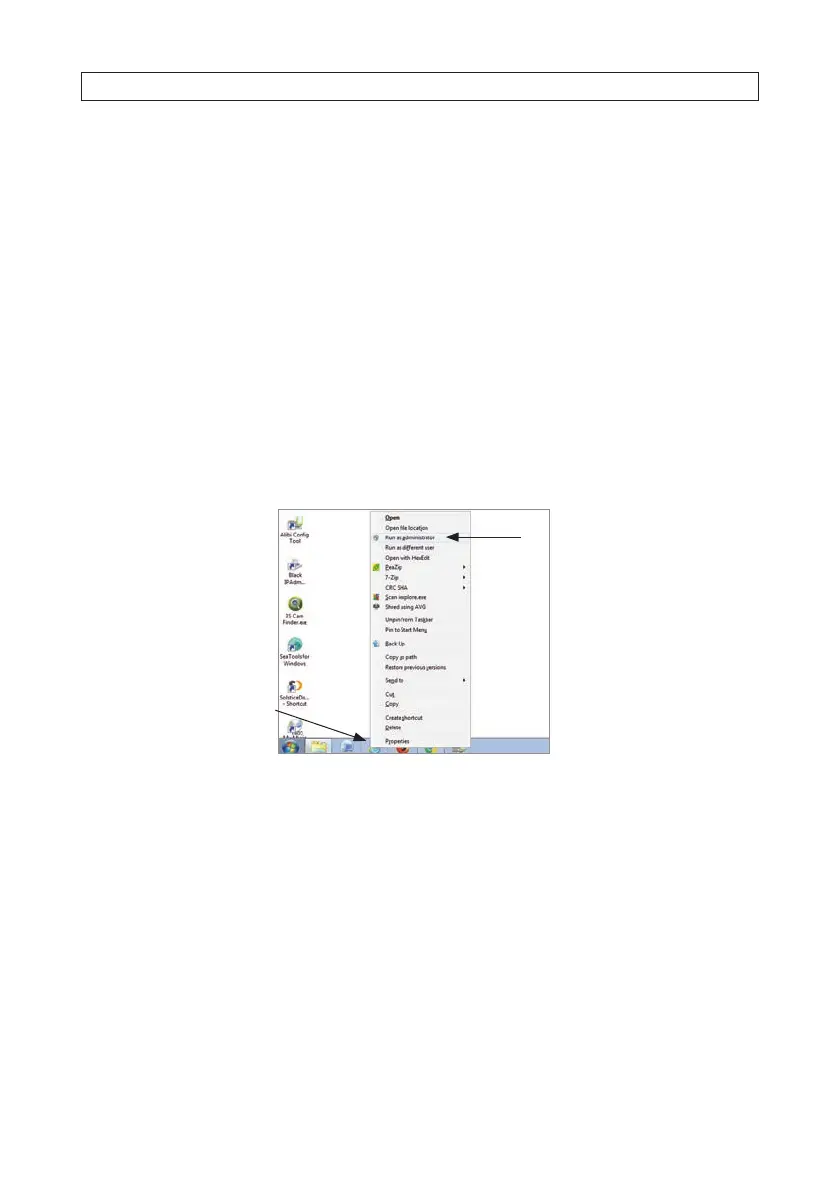
Window 7: To run IE as an Administrator:
1. Find or create an IE icon on your computer desktop.
2. Hold down the shift key, and then right-click on the IE icon.
MS Internet
Explorer icon
Run as administrator
3. Click Run as administrator in the pop-up menu.
Window 10:
To run IE as an Administrator:
1.
F
ind MS IE in the start menu. Usually this is found in the Windows Accessories group.
2.
P
in the entry to Start.
3.
R
ight click on the Internet Explorer tile, and then select More | Run as administrator.
SECTION 4: REMOTE LOGIN




 To Next Page