13
Version 1.01
Basic operations
Installing the K-Suite software
1. Download the K-Suite software from the Download section of our website
www.alientech.to and save the file Setup.exe on your computer.
2. Double-click the Setup.exe file to install the K-Suite software.
3. Follow the on-screen instructions. The K-suite software installs also the drivers of KESSv2.
4. When the security warning saying it is not possible to verify the authenticity of the
software or drivers is displayed, confirm the installation and continue.
Note: When installing K-Suite, you may be required to install additional software, such as
Microsoft Visual C + +. In the event that this request appears, follow the on-screen
instructions to install any additional software.
5. Select the language to use the software, and download any proposed updates.
6. When installation is complete, close the K-Suite software.
Installing the KESSv2
1. Connect the KESSv2 to your computer using the USB cable supplied.
2. Wait until it is displayed the message confirming that the new device has been properly
recognized by the operating system. Usually this message is displayed at the bottom right
of the screen.
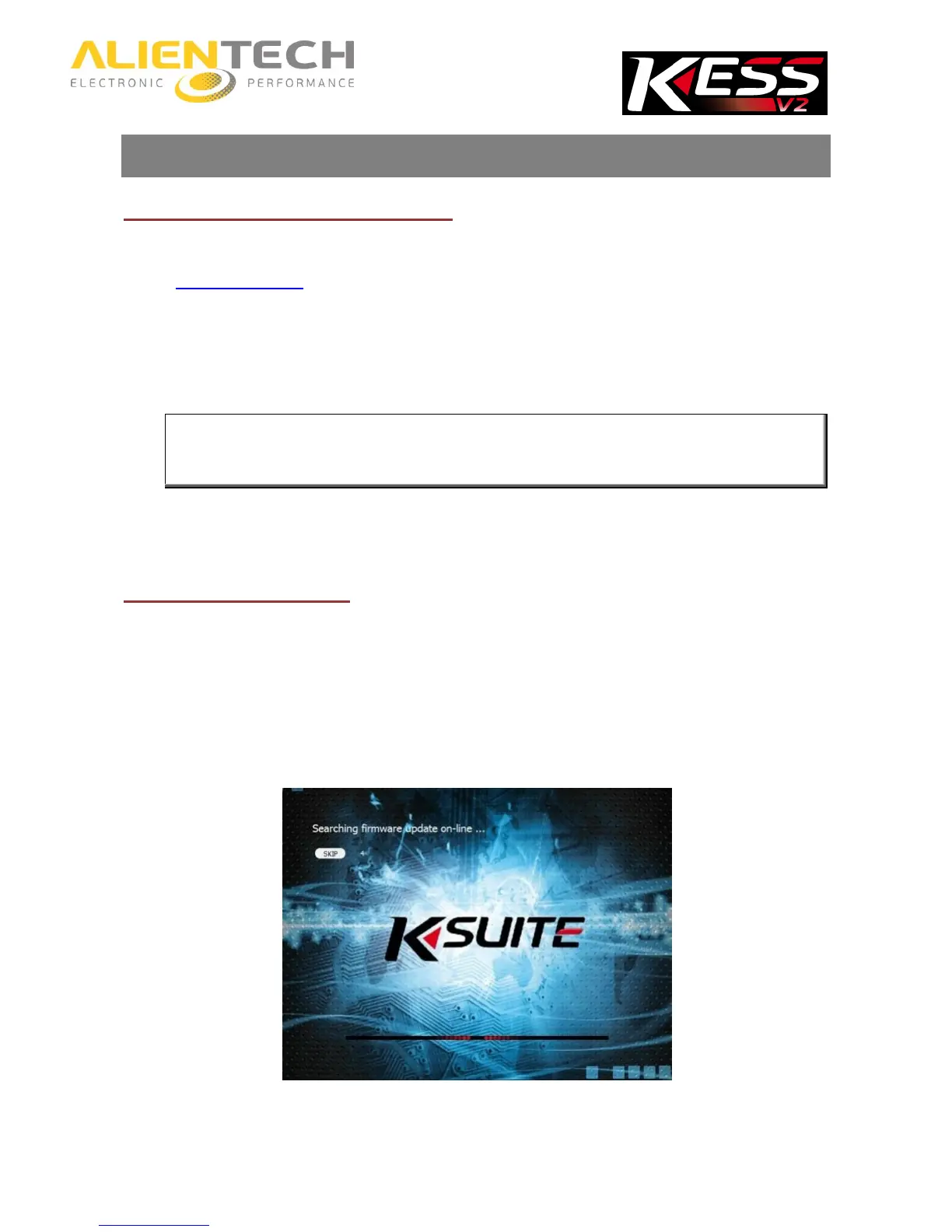
3. Run the K-Suite software, without pressing SKIP on the loading screen to complete the
proper installation of the tool.
K-Suite loading screen



 To Next Page