15
Version 1.01
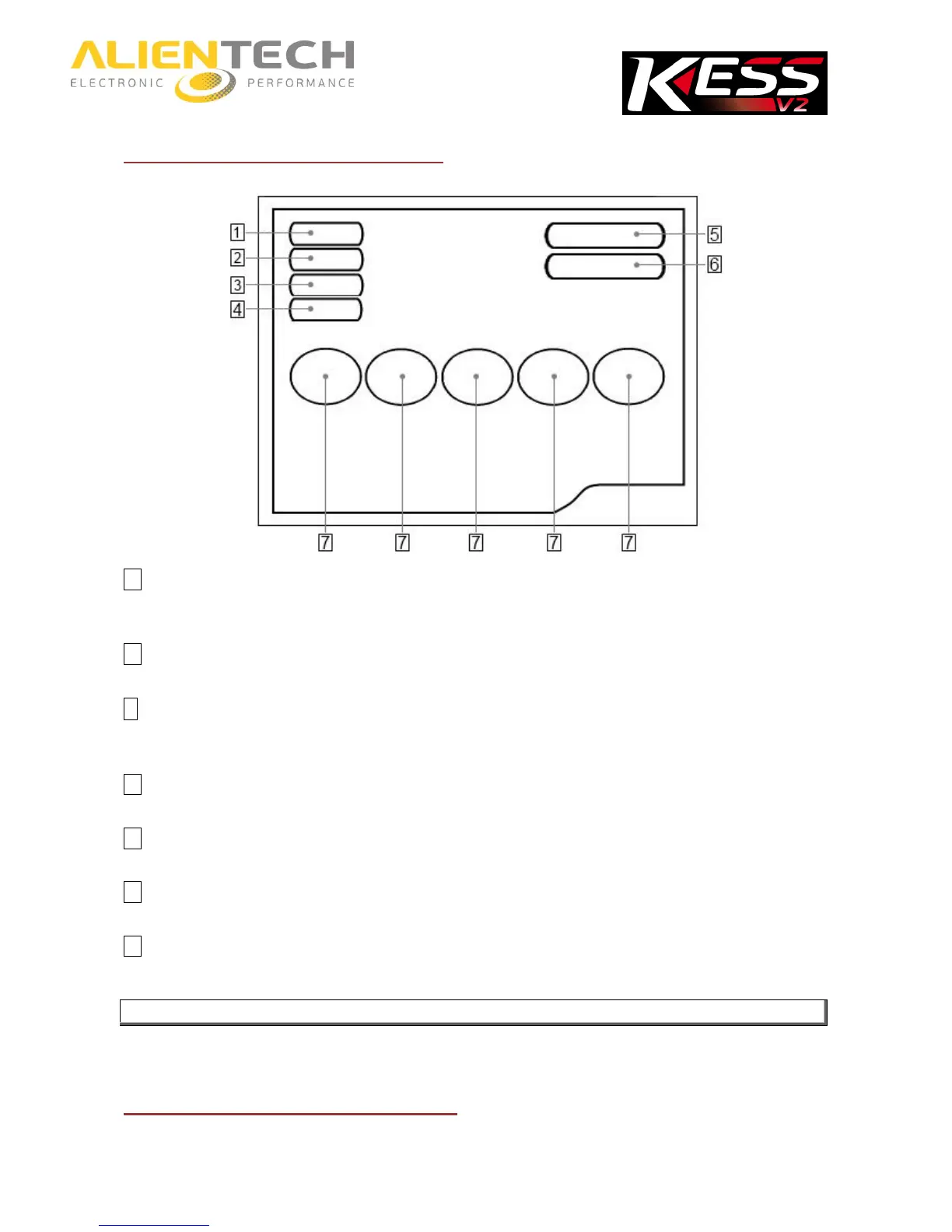
K-Suite software main screen
1 Info Button
To view information about the tool and its owner, and download the LOG file with the last activities performed by the
tool.
2 Options Button
To set the window size and the language of K-Suite software, and display the vehicle list.
3 Utility Button
To split / join files of specific types of vehicles. For instructions on this button, refer to the Operating Manuals
dedicated to families requiring the use of this option.
4 Help Button
To download the Operating Manuals dedicated to the various protocols.
5 EXTRAS Button
To view and select the protocol list partitioned by set.
6 K-TAG Button
Brochure on the microcontroller interface programmer K-TAG.
7 Vehicles buttons
To view and select the vehicle to work on.



 To Next Page