16
Version 1.01
To properly configure the tool, we remind you that KESSv2 must be connected to
the computer via the supplied USB cable and your computer must be connected to
the Internet.
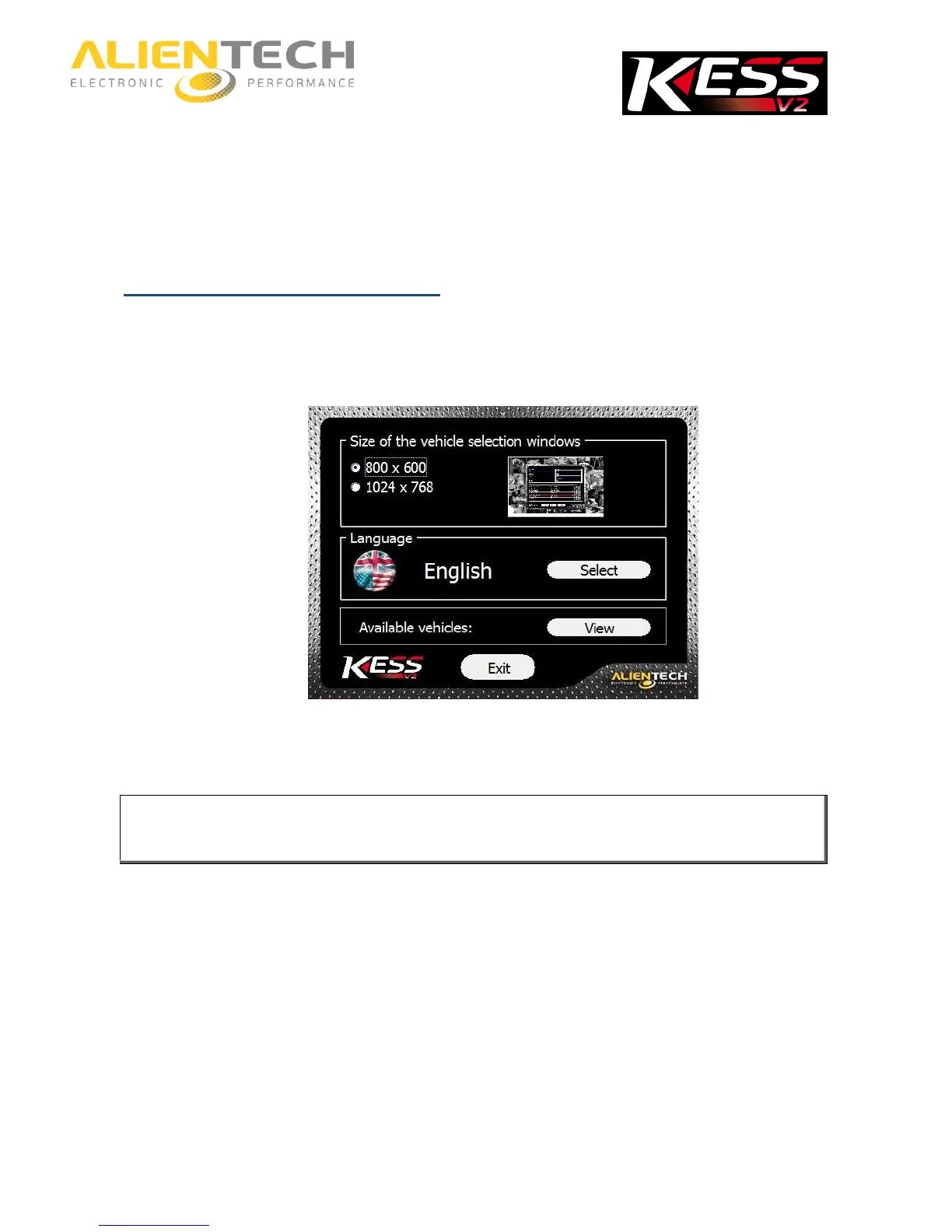
How to set the screen resolution
1. Click on the Options button in the main window of the K-Suite software.
2. In the Size of the vehicle selection windows pane, select the window size that best suits
your computer screen.
When possible, we recommend using 1024x768 resolution, to see better the
pictures of connection instruction in the Operating Manuals.
It is possible to change the window size of the K-Suite software at any time, even if the tool is
not connected to your computer and / or the computer does have an active Internet
connection.



 To Next Page